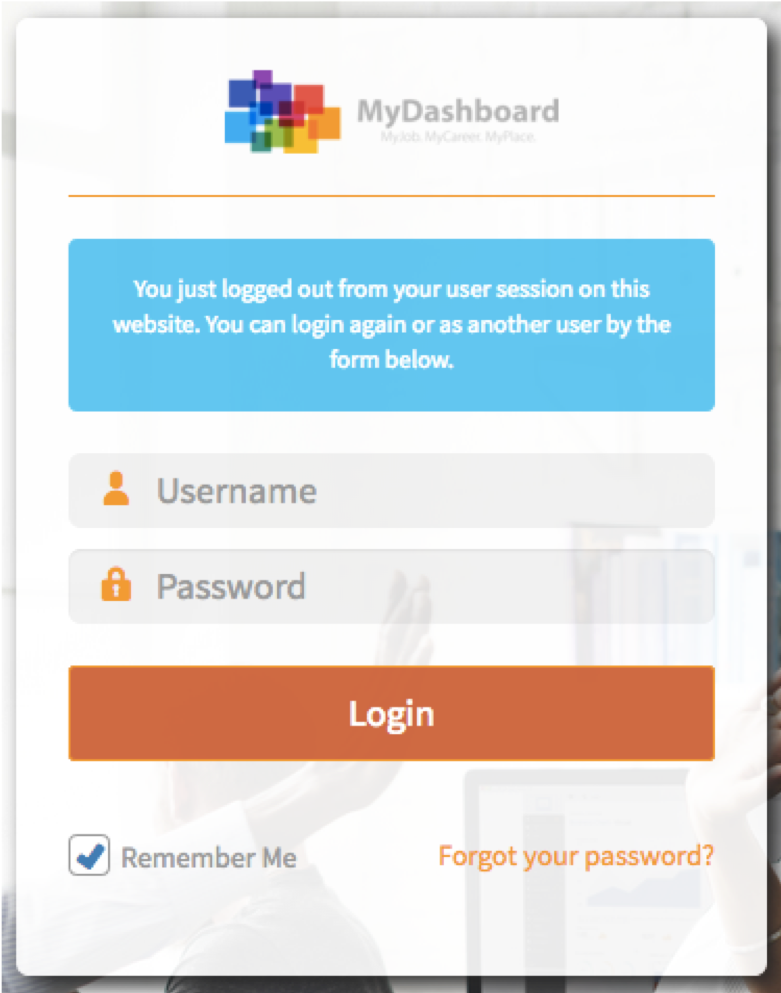
On the homepage https://mydashboard.consultinghouse.eu please click on the link “Forgot your password?” in the lower right corner of the login screen.
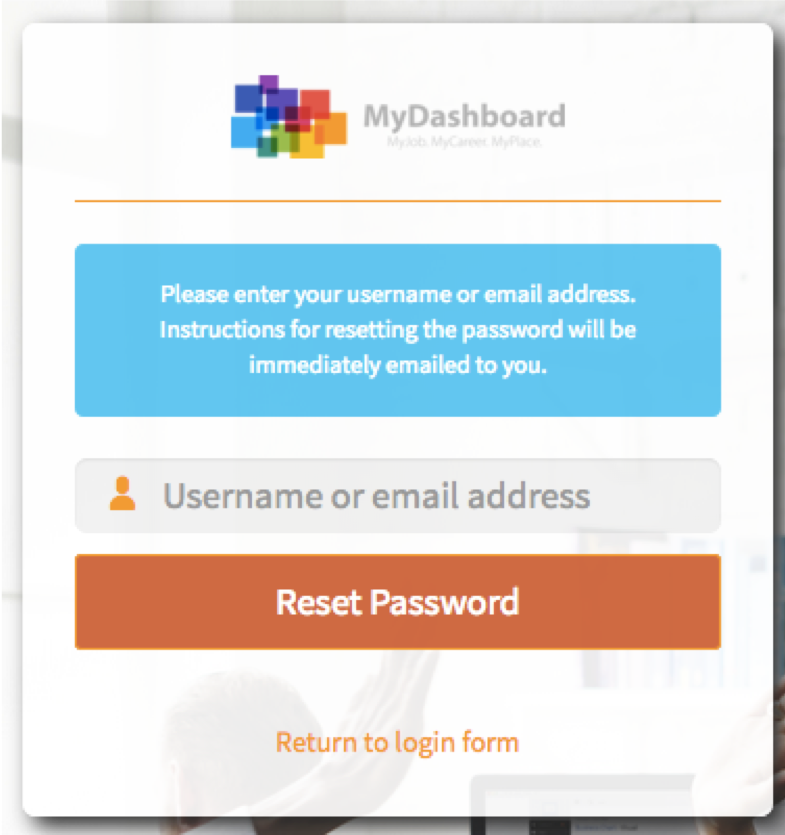
On the next screen, please type in your email address which is usually at the same time also your user name. Klicken Sie “Reset Password”.
Bitte beachten Sie: Your old password gets deactivated once clicked on the button “Reset Password”.
An email will be send to your inbox containing a link. Please click on the link in the email to be guided to the following page.
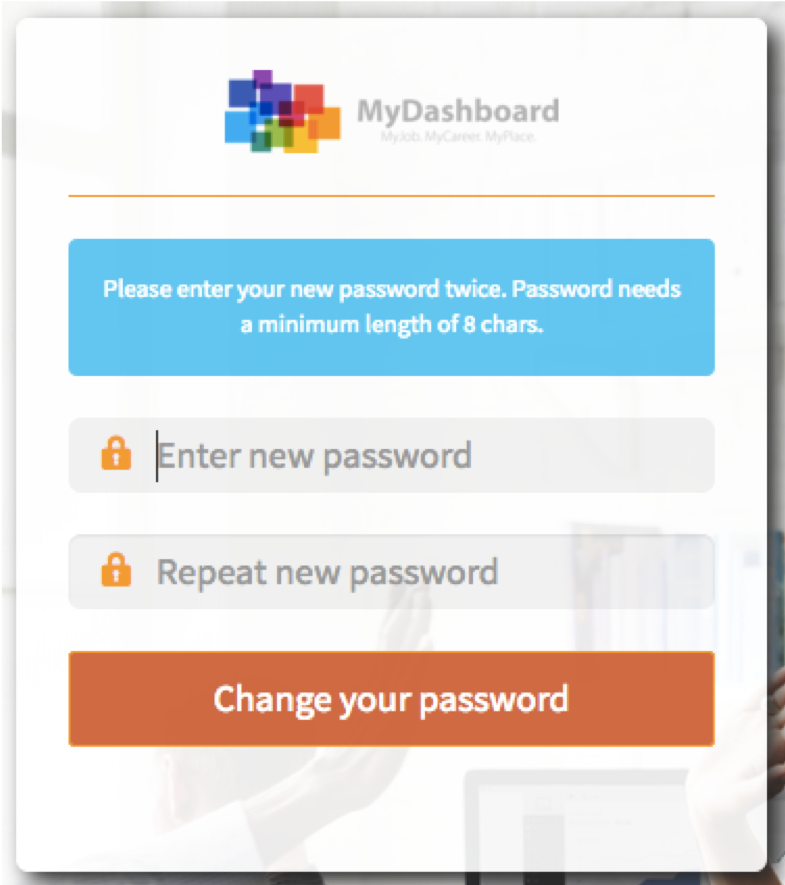
After typing in your name password, please click on the button “Change your password”. Your new password is now active. Please return back to Login page to login into your Dashboard.