
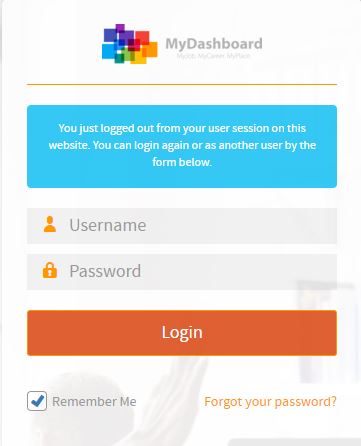
Please login on the homepage https://mydashboard.consultinghouse.eu
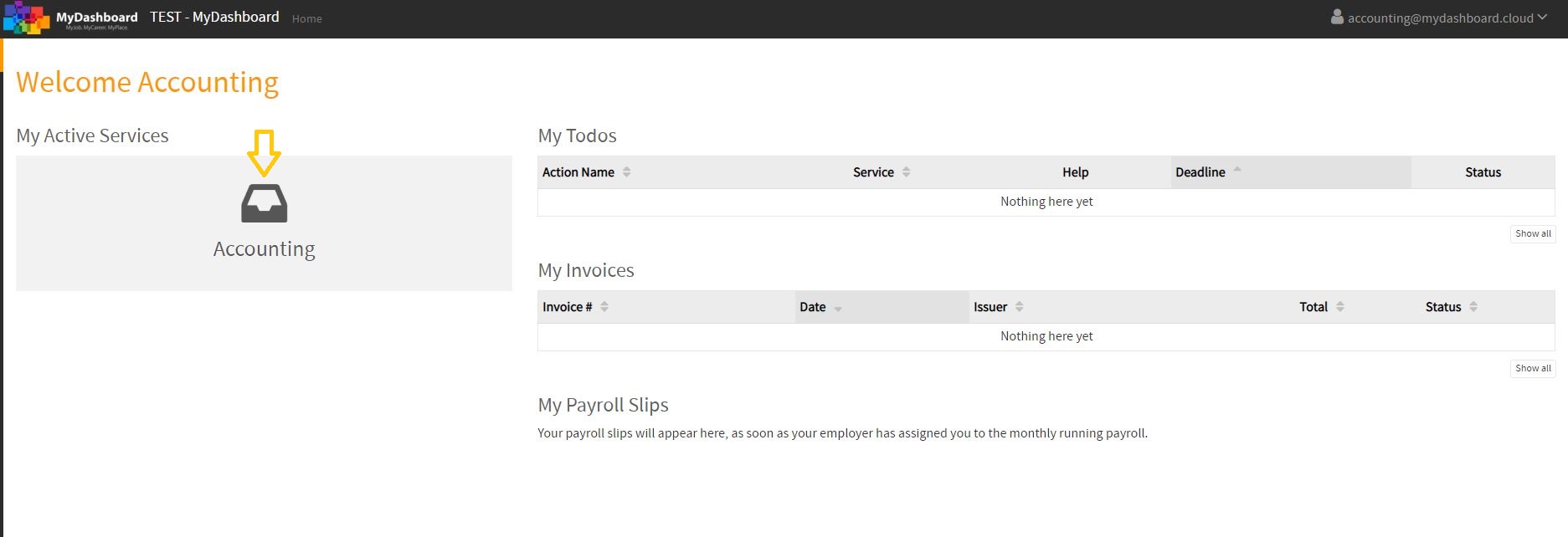
Click on the main page on your active services “Accounting”
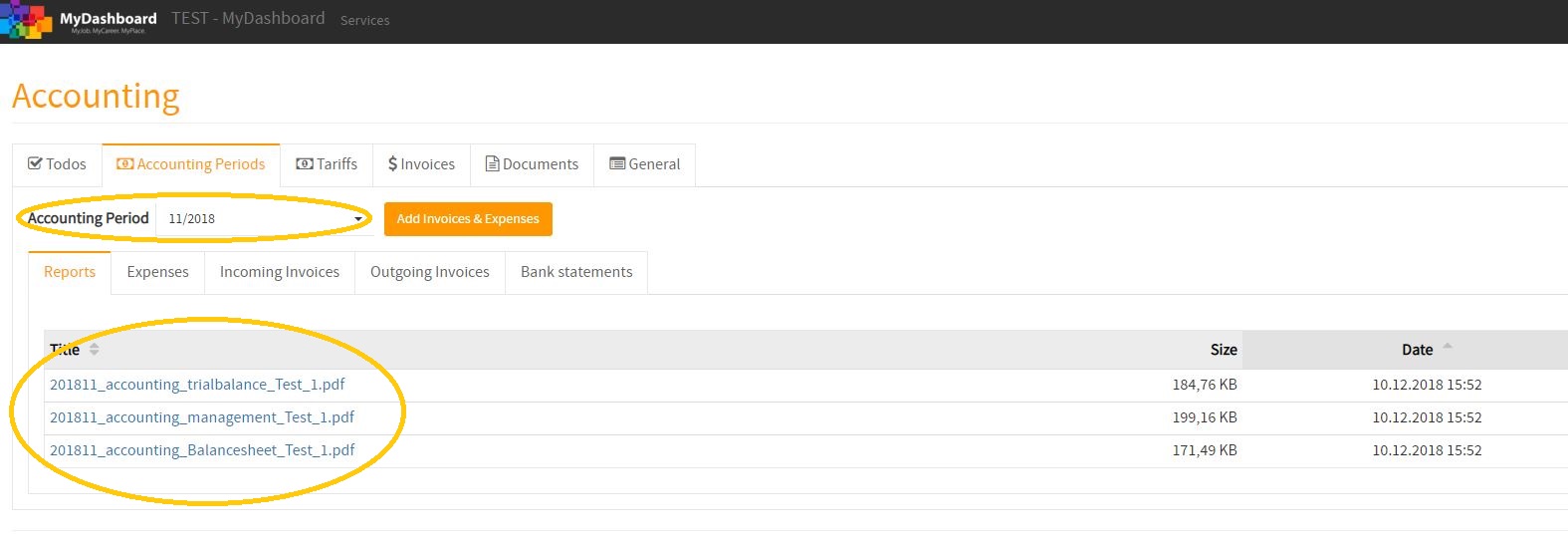
Select the correct period of the accounting reports you want to see or download
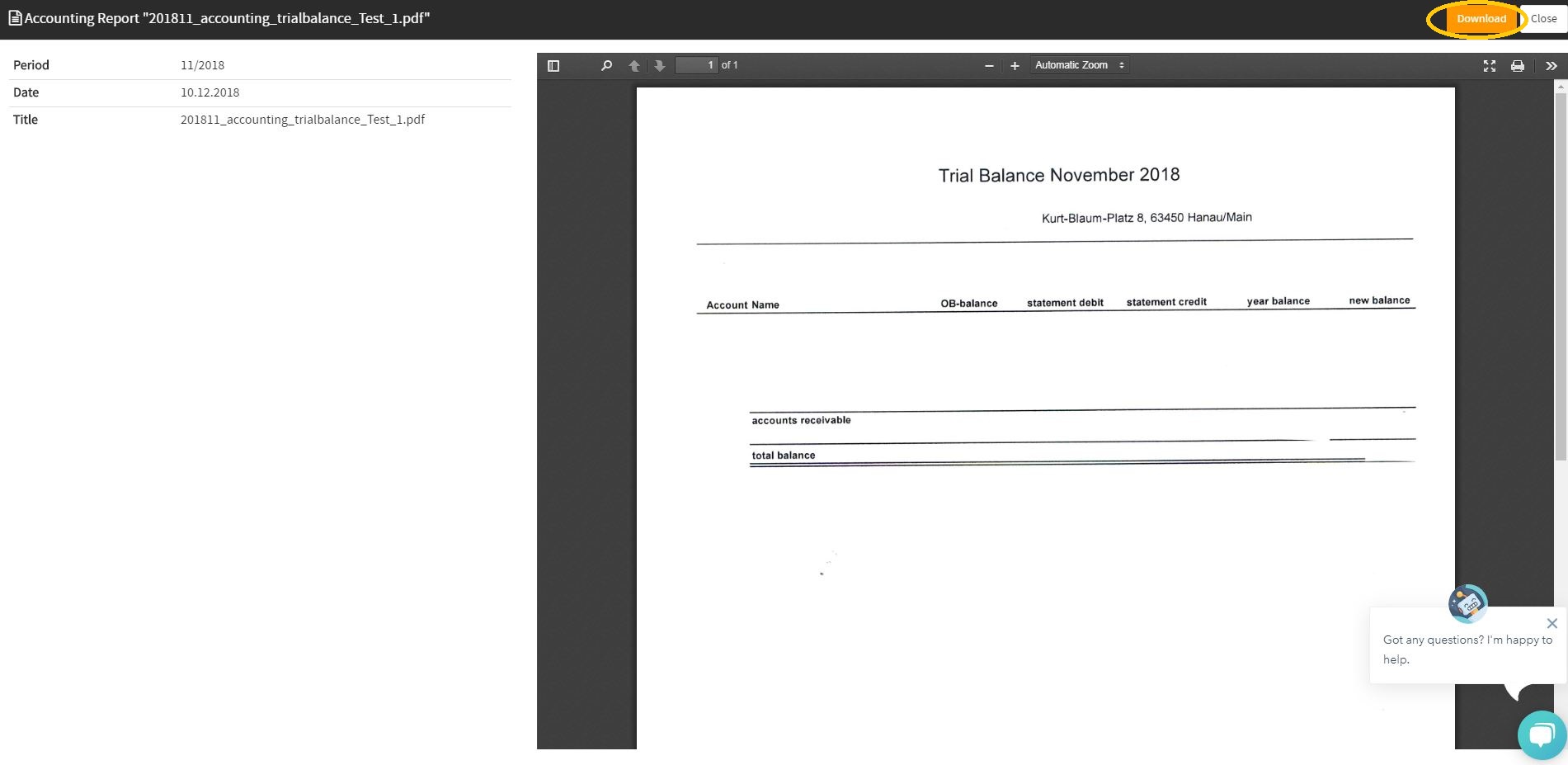
Click on the reports you want to download or see
How to view my monthly Accounting Reports in MyDashboard
In the following video, you will find a tutorial about how to view your Accounting Reports in MyDashboard.