
How to view my monthly accounting reports in MyDashboard?

The monthly accounting reports will be available in MyDashboard once processed.This article describes how you can view your monthly accounting reports in MyDashboard.

Please login on the homepage https://mydashboard.consultinghouse.eu
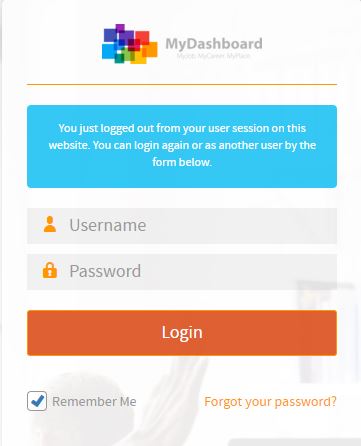
MyDashboard login form with username and password fields

Click on the main page on your active services “Accounting”
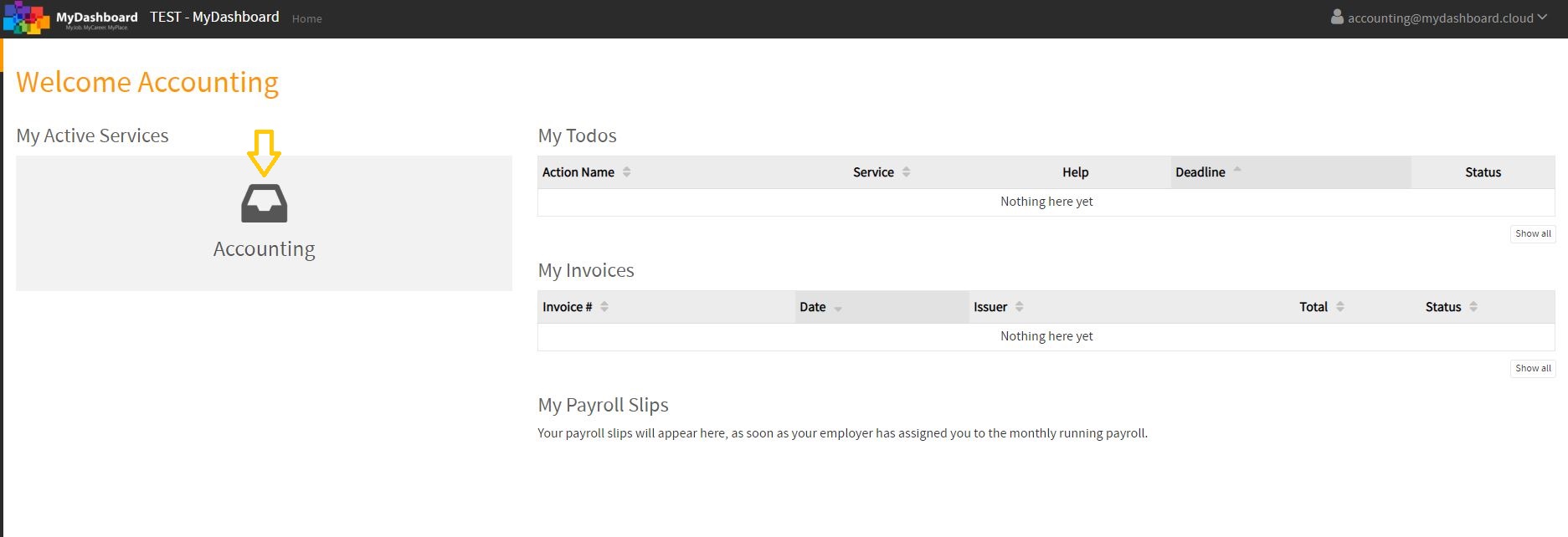
MyDashboard home page with the Accounting service highlighted

Select the correct period of the accounting reports you want to see or download
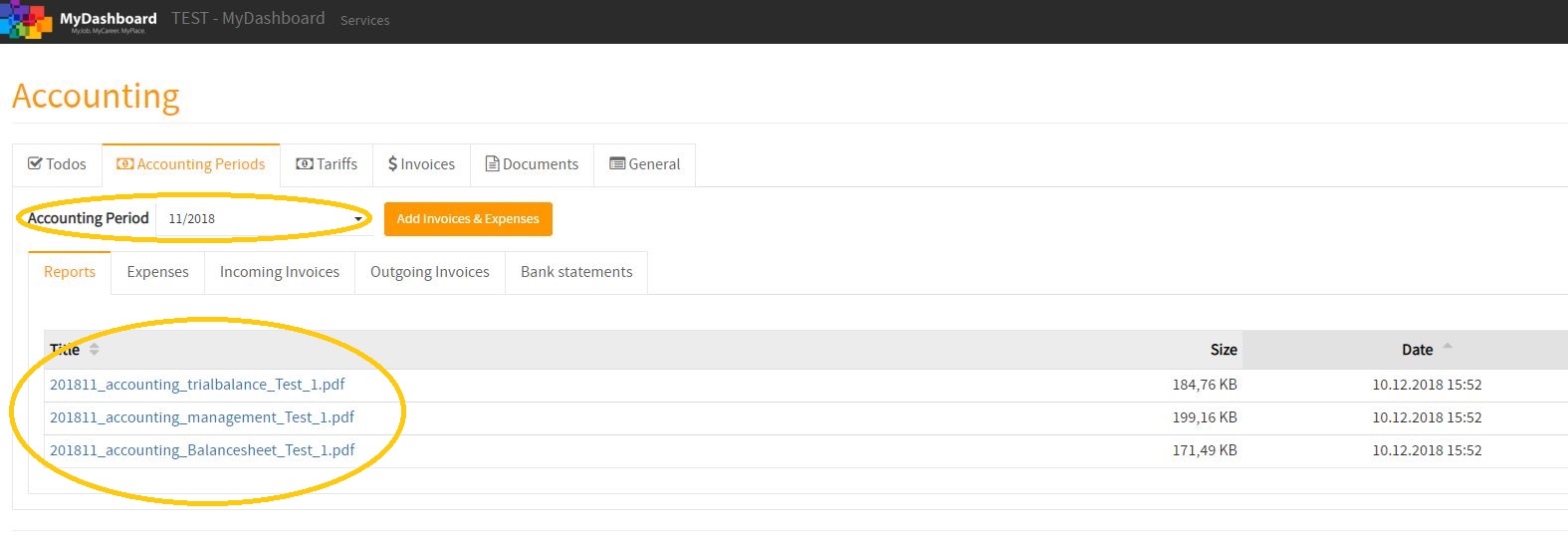
Accounting reports listed by period in MyDashboard

Click on the reports you want to download or see
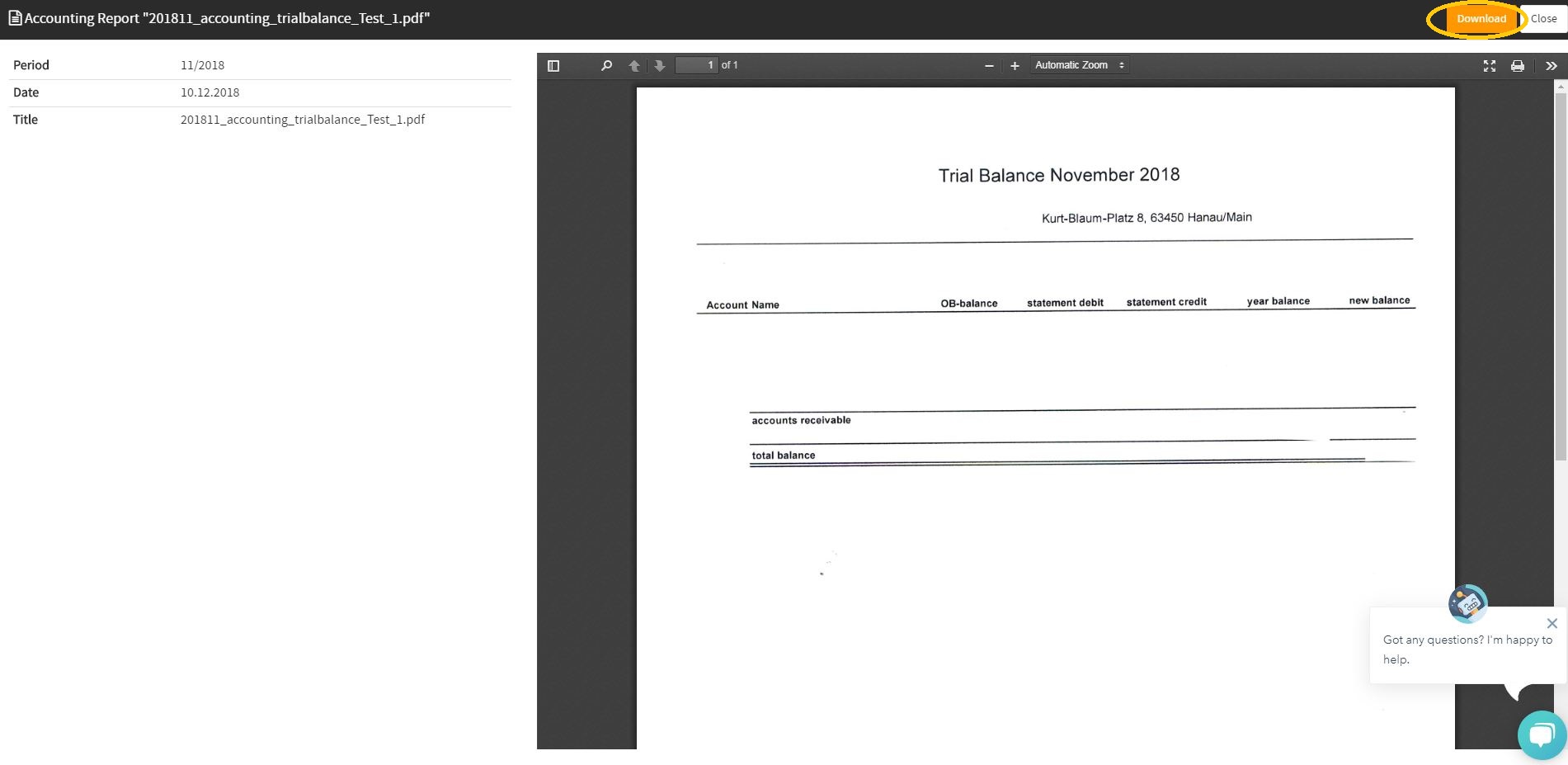
Downloading an accounting report PDF from MyDashboard

How to view my monthly Accounting Reports in MyDashboard

In the following video, you will find a tutorial about how to view your Accounting Reports in MyDashboard.

You are currently viewing a placeholder content from Vimeo. To access the actual content, click the button below. Please note that doing so will share data with third-party providers.

More Information