
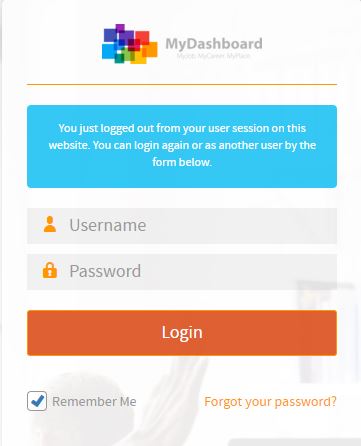
Por favor, inicie sesión en la página principal https://mydashboard.consultinghouse.eu
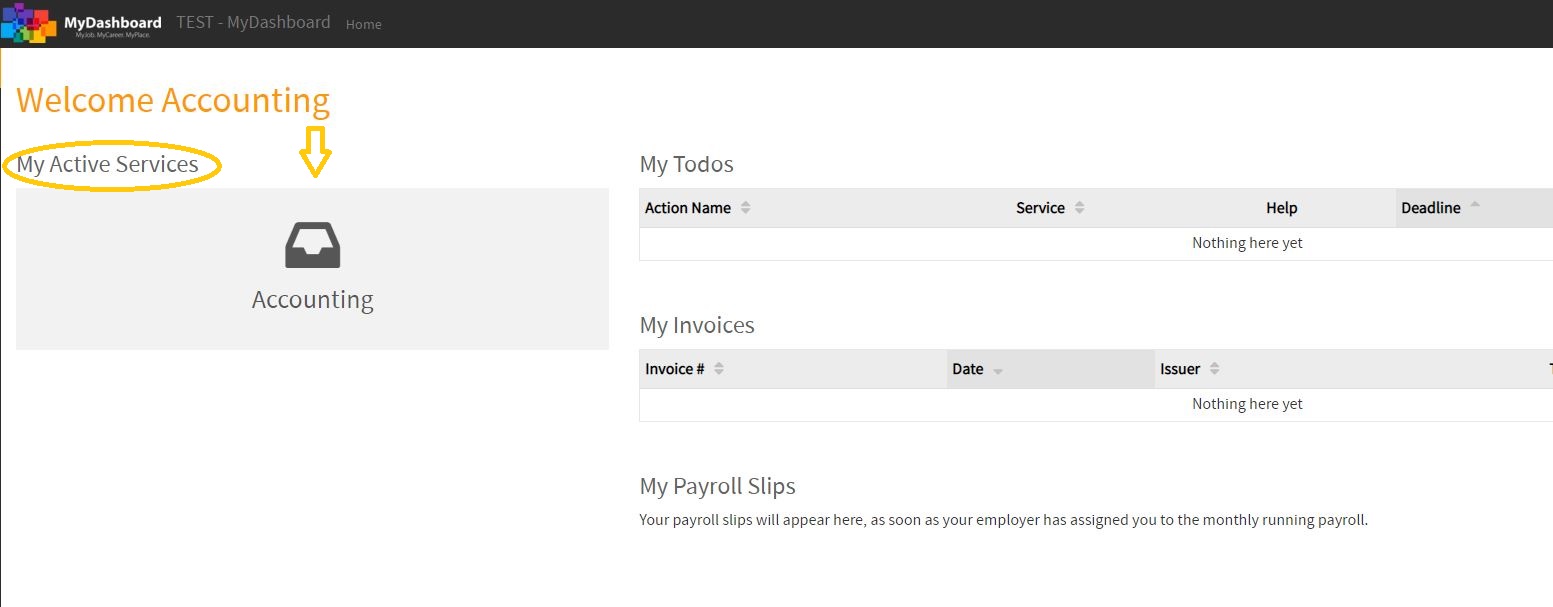
Haz clic En la página principal de los servicios que usted utiliza “Contabilidad”
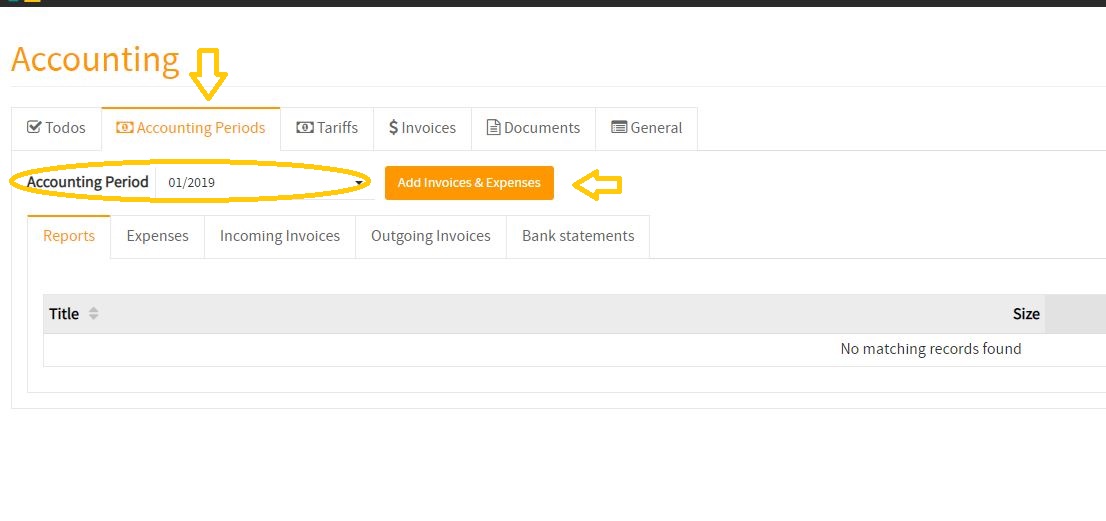
Seleccione el periodo contable correcto en el que quieres cargar tus gastos
Haz clic en el botón “Agregar facturas y gastos”
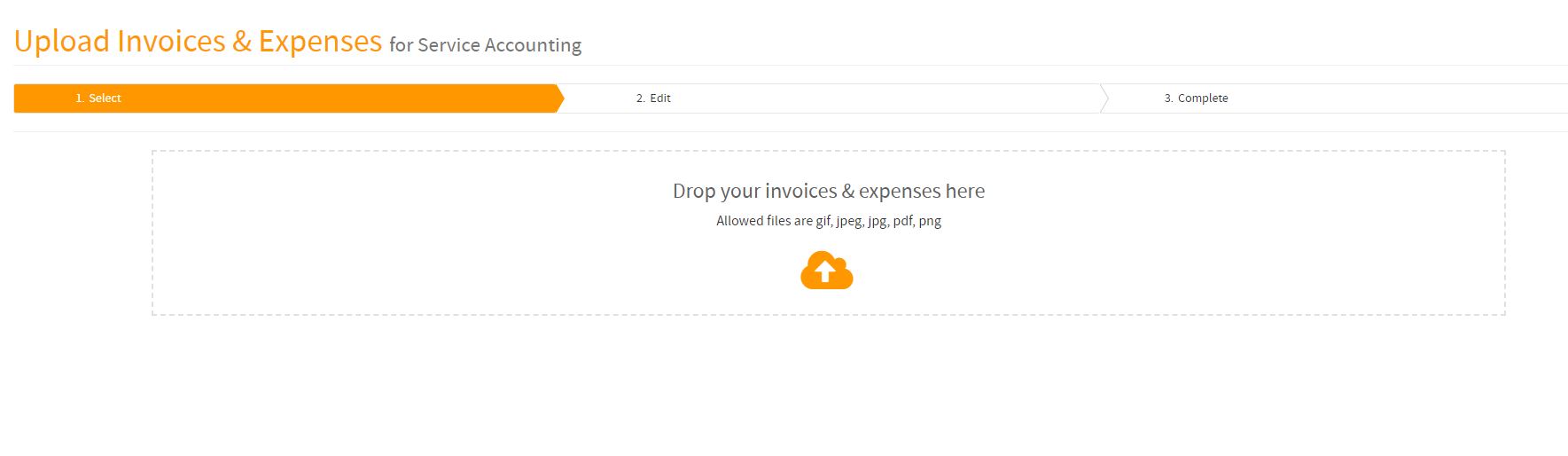
Drop Sus facturas y gastos (uno o más archivos) en el campo
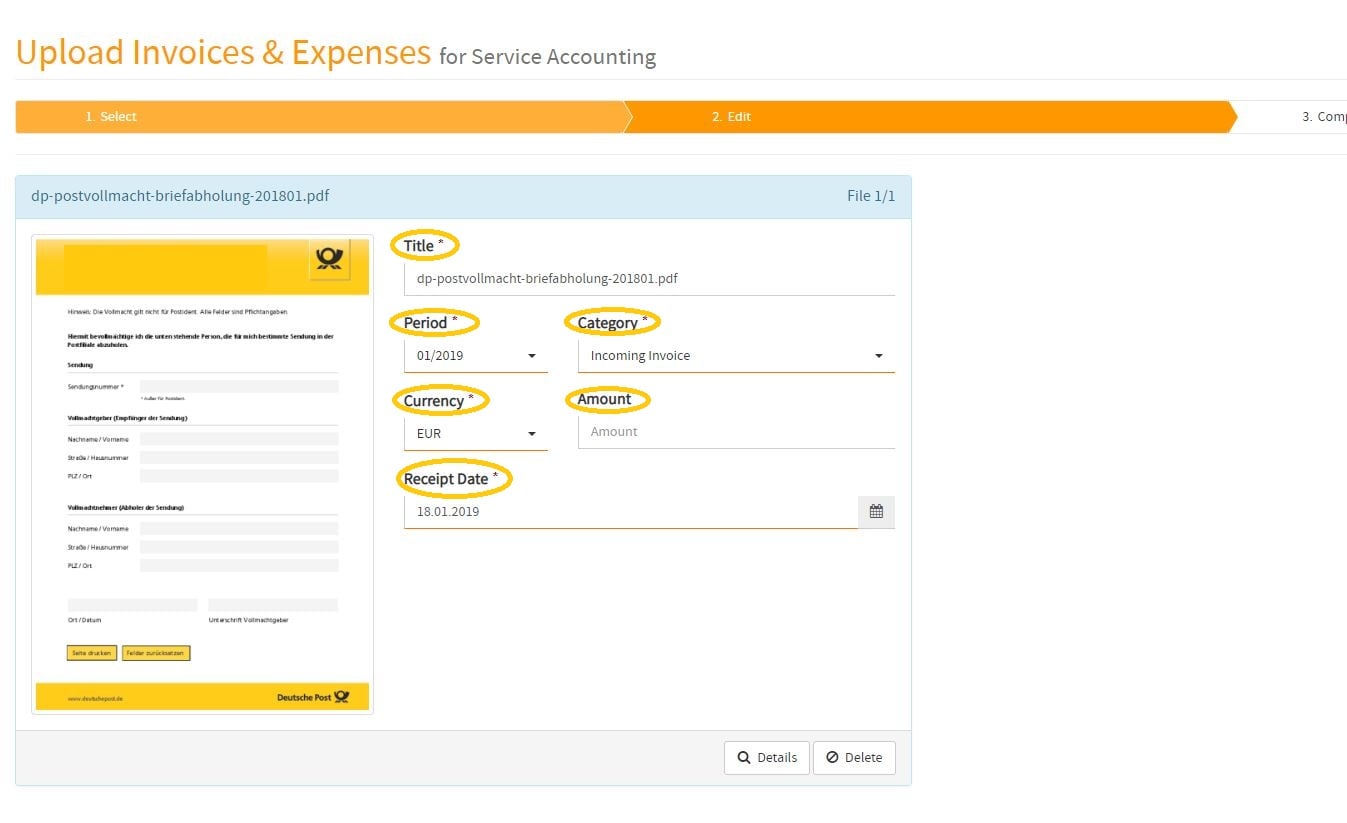
Optionally, you can provide further information for each individual invoice & expense (Title, Period, Category, Currency, Amount, Receipt Date, etc.)
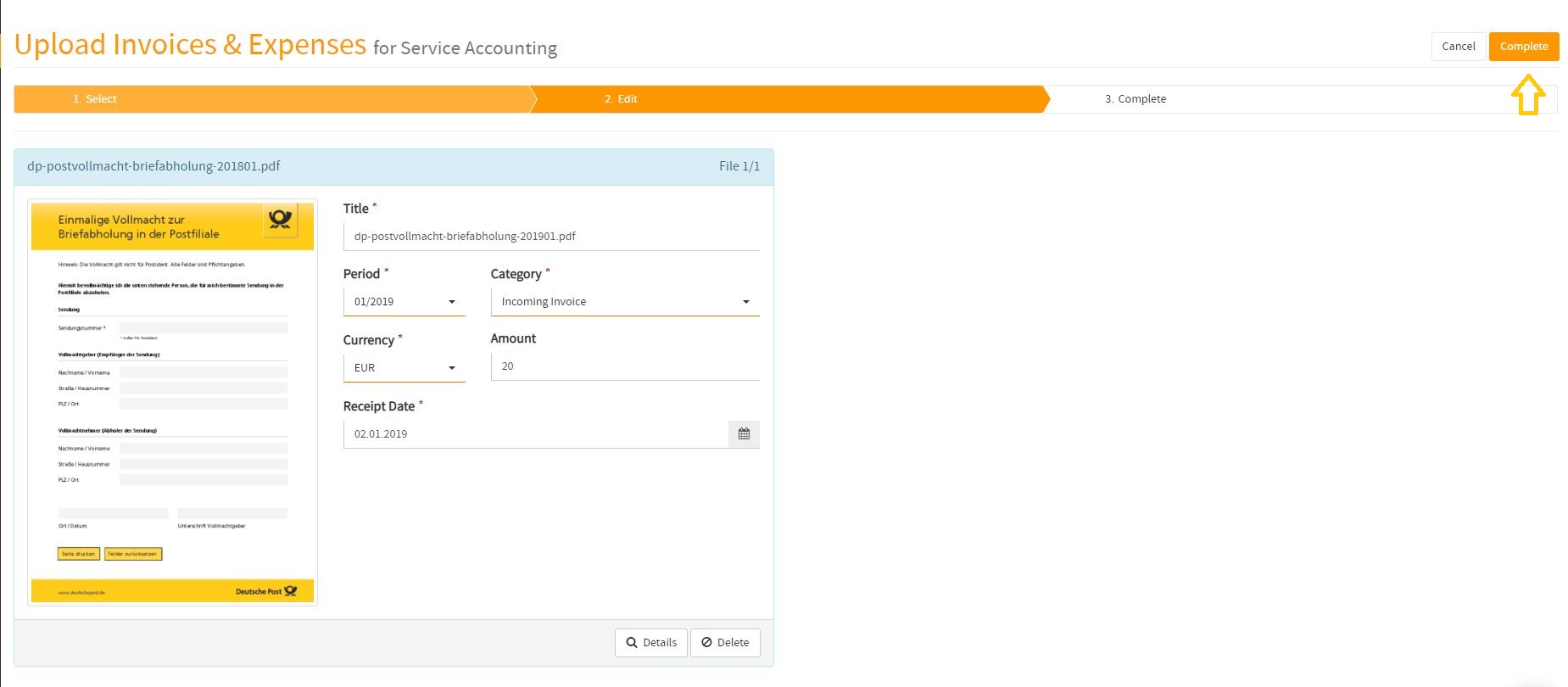
If you have filled out all details, Haz clic en el botón “complete”
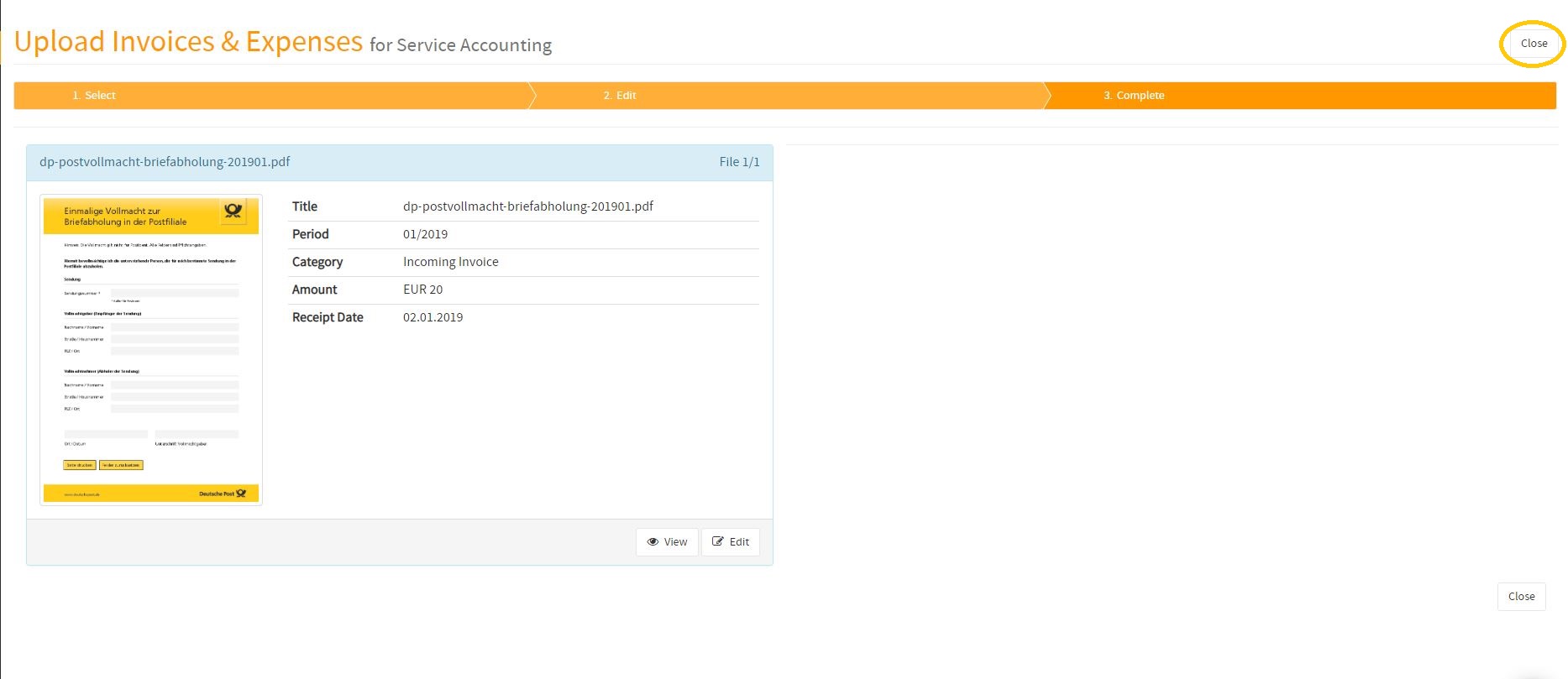
Haz clic en el botón “close”
How to submit my monthly invoices & expenses to Consultinghouse
In the following video, you will find a tutorial about how to upload your monthly invoices & expenses to MyDashboard. Once received, Consultinghouse will process your monthly transactions to provide your monthly accounting report based on your submitted invoices & expenses.