
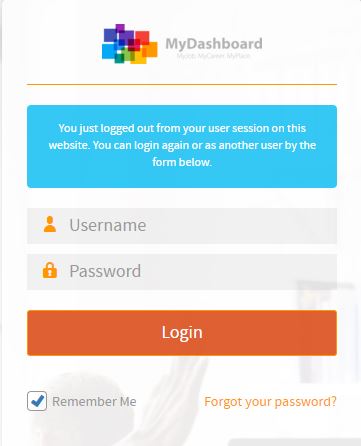
Please login on the homepage https://mydashboard.consultinghouse.eu
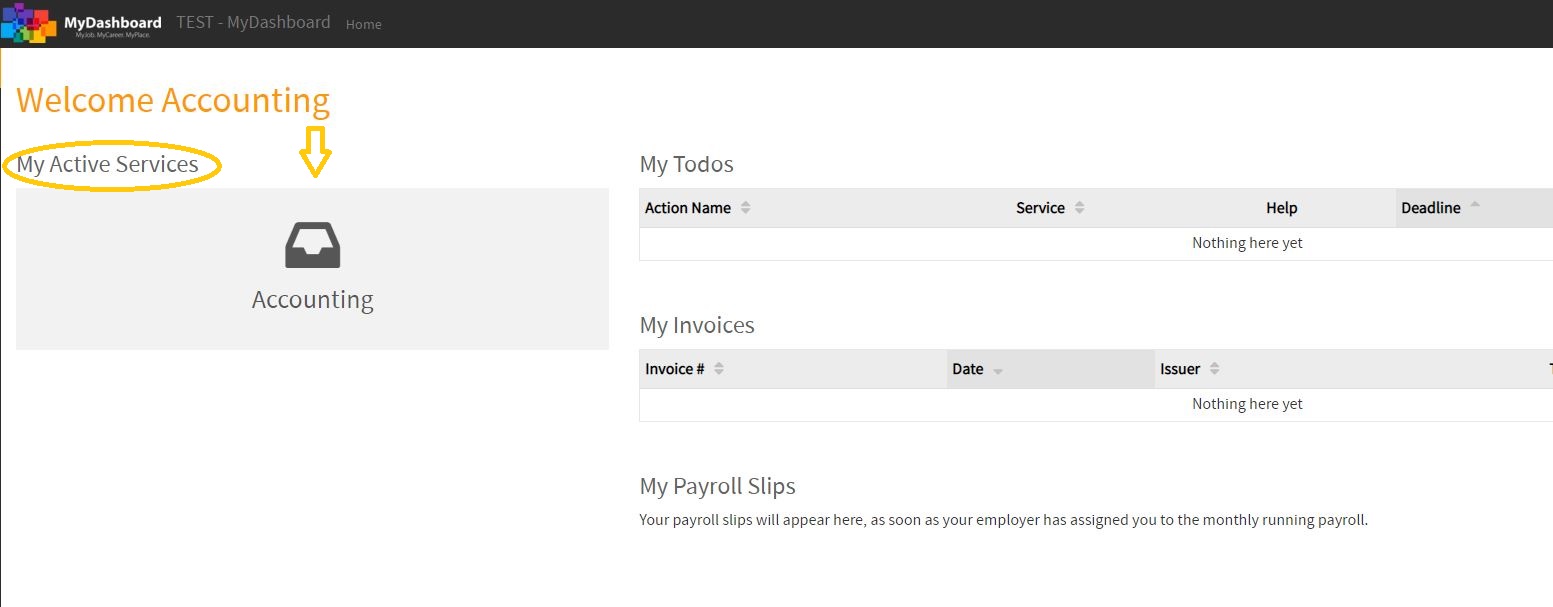
Click on the main page on your active services “Accounting”
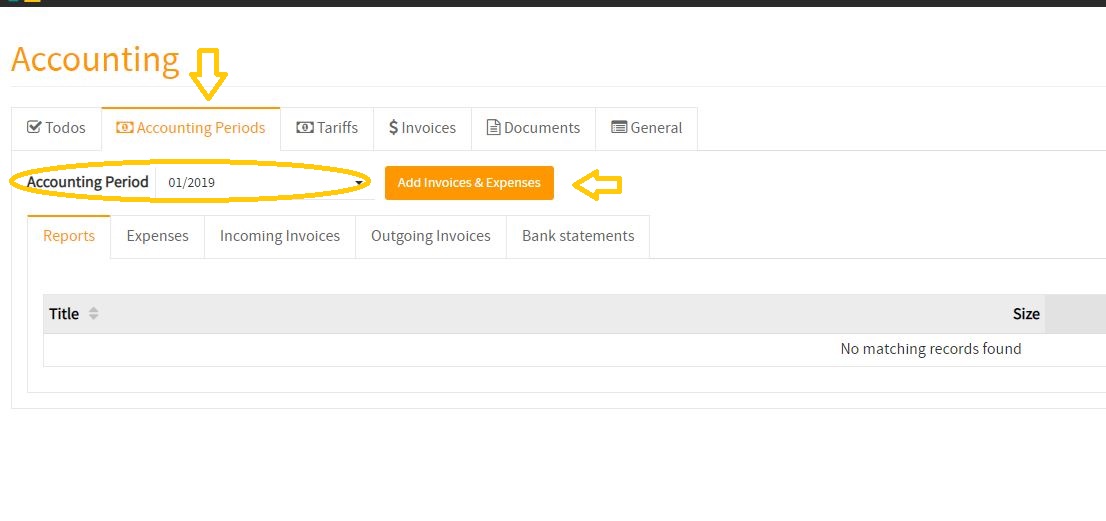
Select the correct accounting period where you want to upload your expenses
Click on the button “Add Invoices & Expenses”
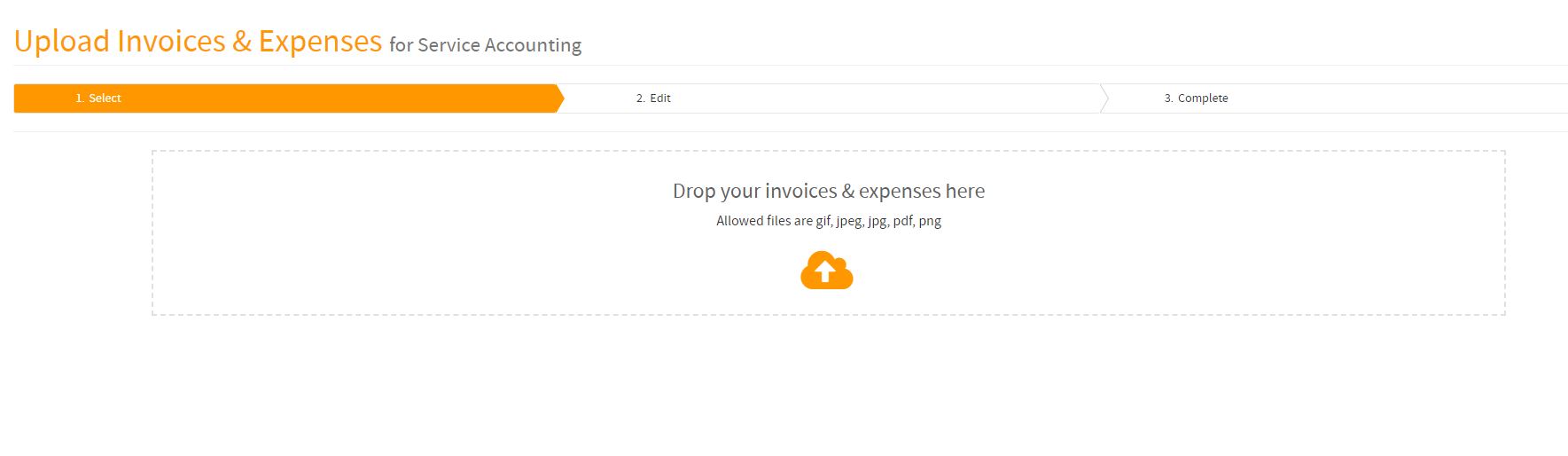
Drop your invoices and expenses (one or more files) on the field
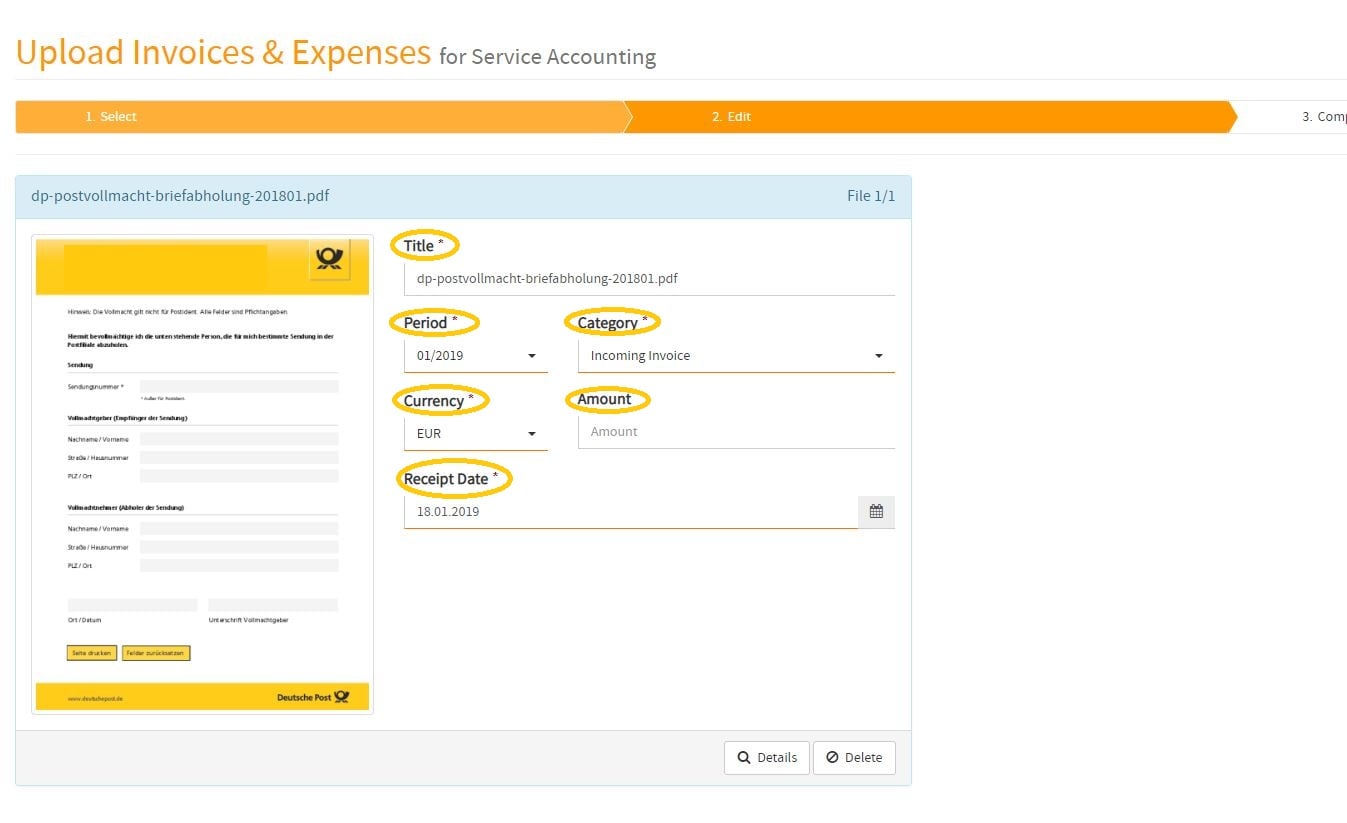
Optionally, you can provide further information for each individual invoice & expense (Title, Period, Category, Currency, Amount, Receipt Date, etc.)
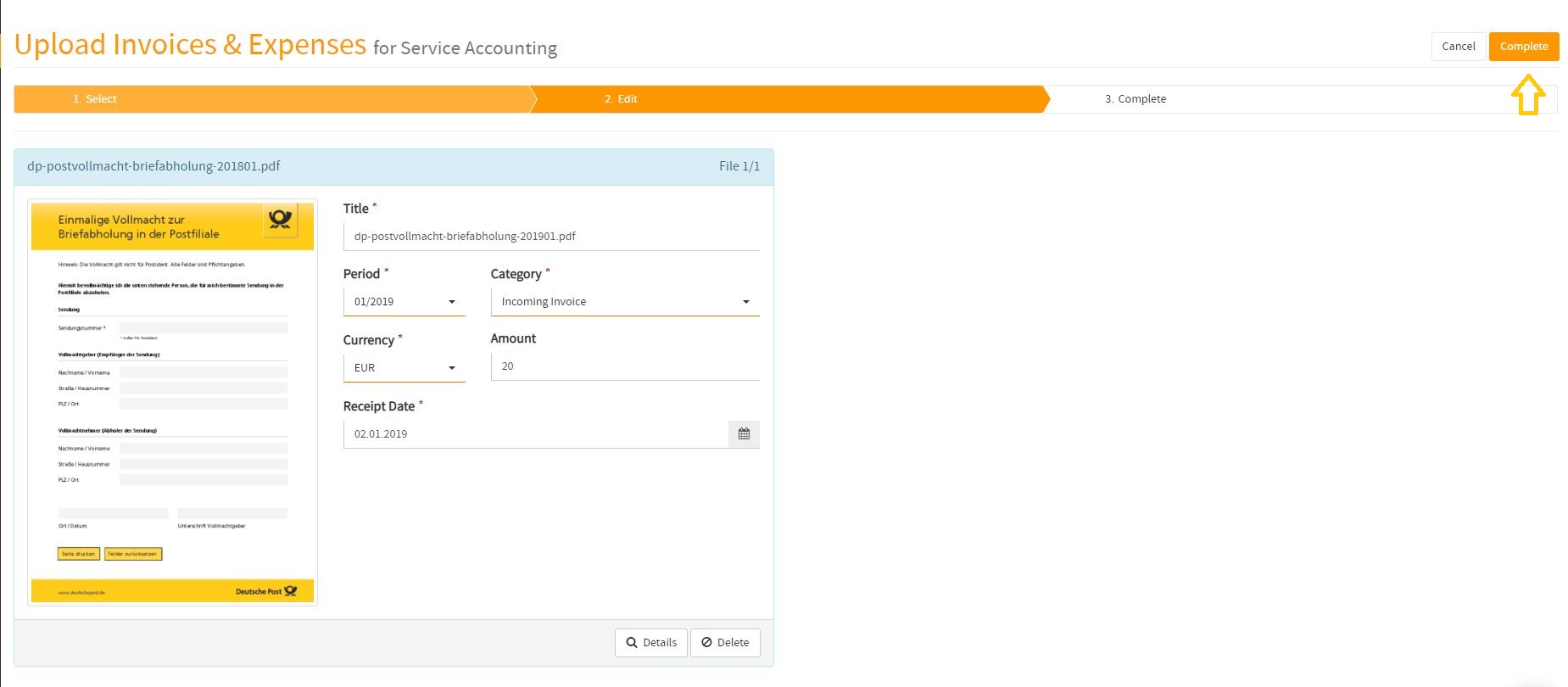
If you have filled out all details, click on the button “complete”
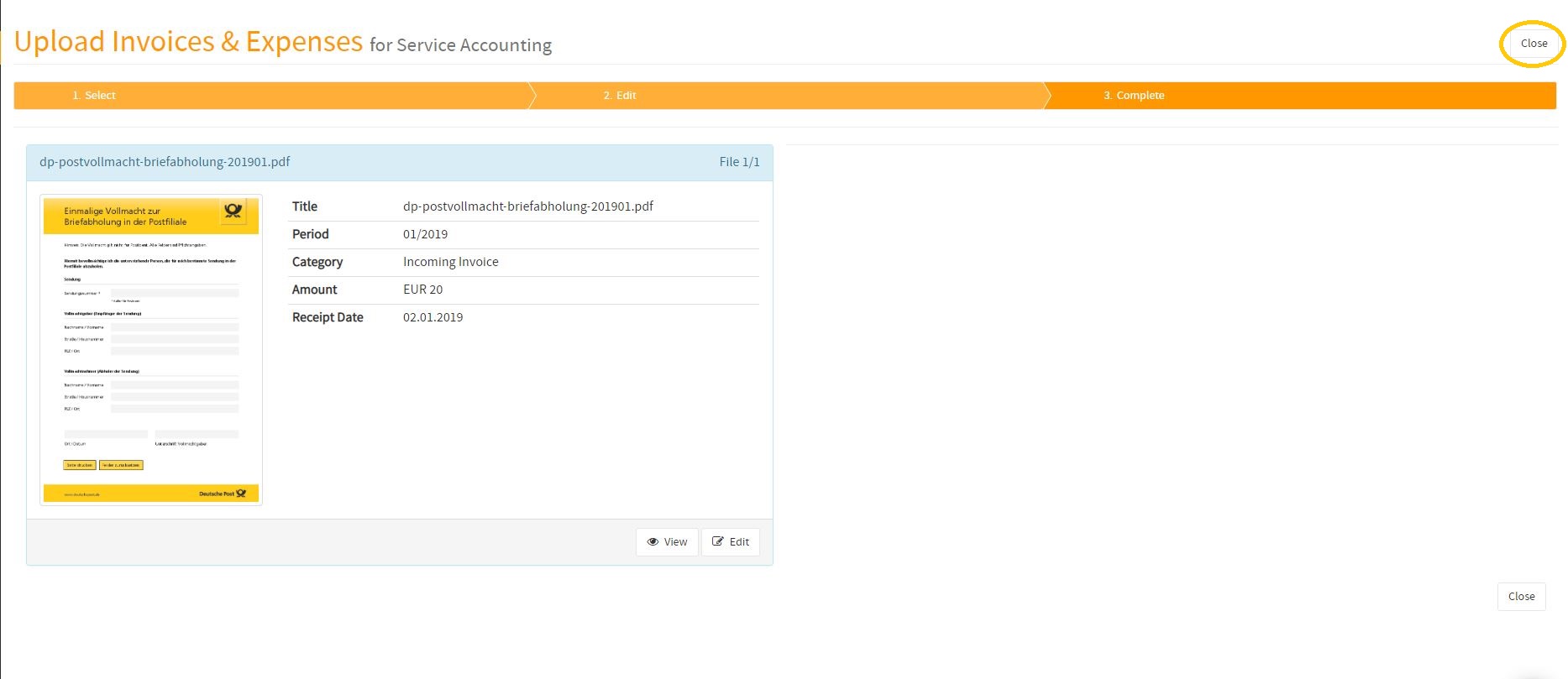
Click on the button “close”
How to submit my monthly invoices & expenses to Consultinghouse
In the following video, you will find a tutorial about how to upload your monthly invoices & expenses to MyDashboard. Once received, Consultinghouse will process your monthly transactions to provide your monthly accounting report based on your submitted invoices & expenses.