
How to approve my monthly payroll reports?

This article describes how to approve your monthly payroll reports.

Please login on the homepage https://mydashboard.consultinghouse.eu
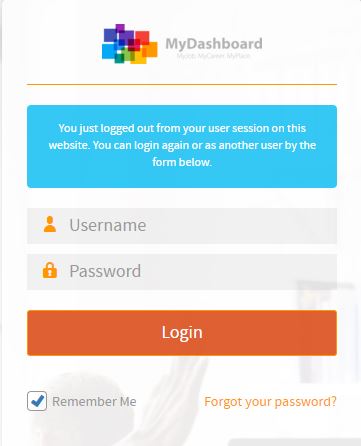
MyDashboard login form with username and password fields

Click on the main page on your active services “Payroll”
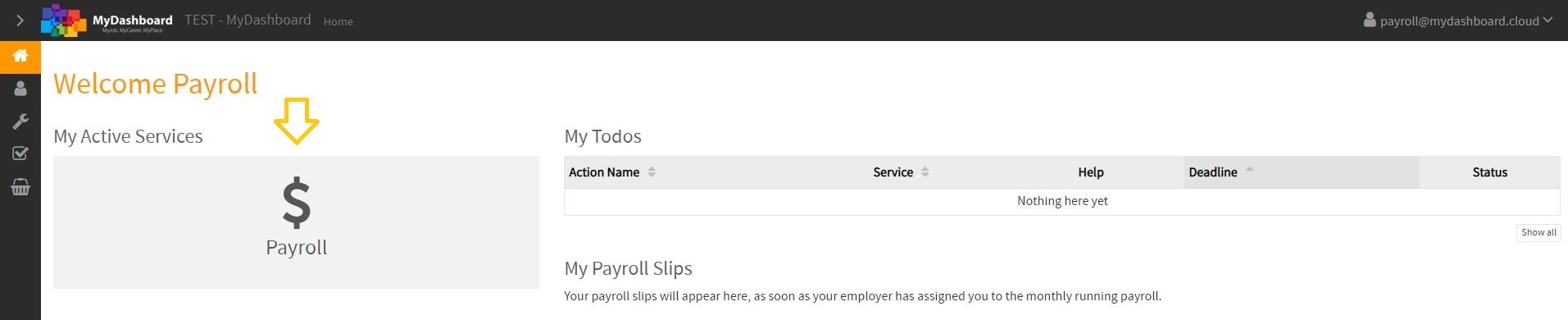
MyDashboard welcome page with payroll services highlighted

Select the correct period to check your monthly payroll reports.

If they are correct, click on the “Approve Payroll for XY 20XX” button
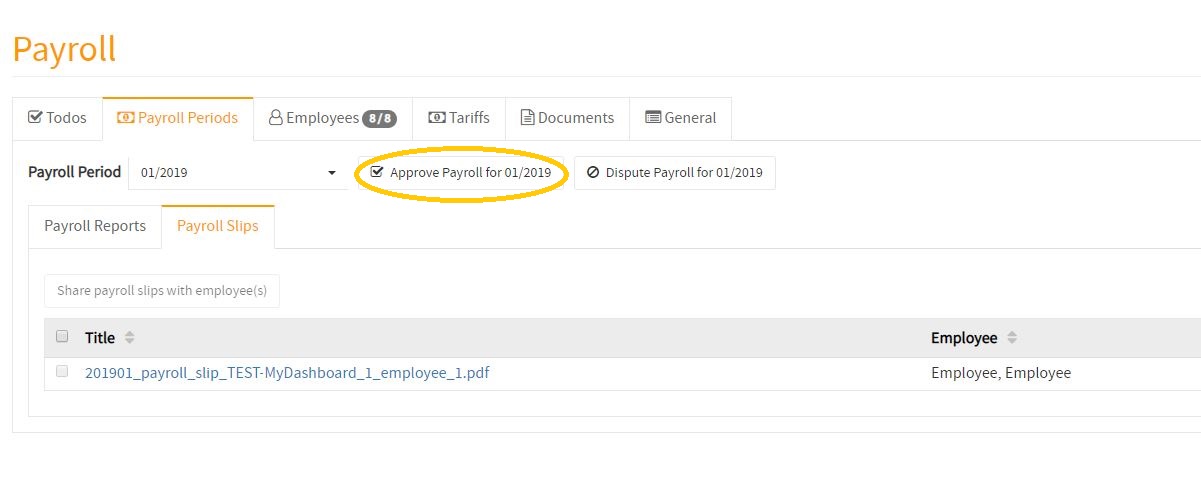
Payroll approval option highlighted in MyDashboard

How to approve my monthly payroll reports

In the following video, you will find a tutorial about how to approve your monthly payroll reports.

You are currently viewing a placeholder content from Vimeo. To access the actual content, click the button below. Please note that doing so will share data with third-party providers.

More Information