
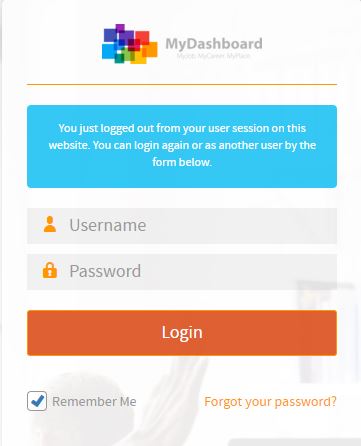
Please login on the homepage https://mydashboard.consultinghouse.eu
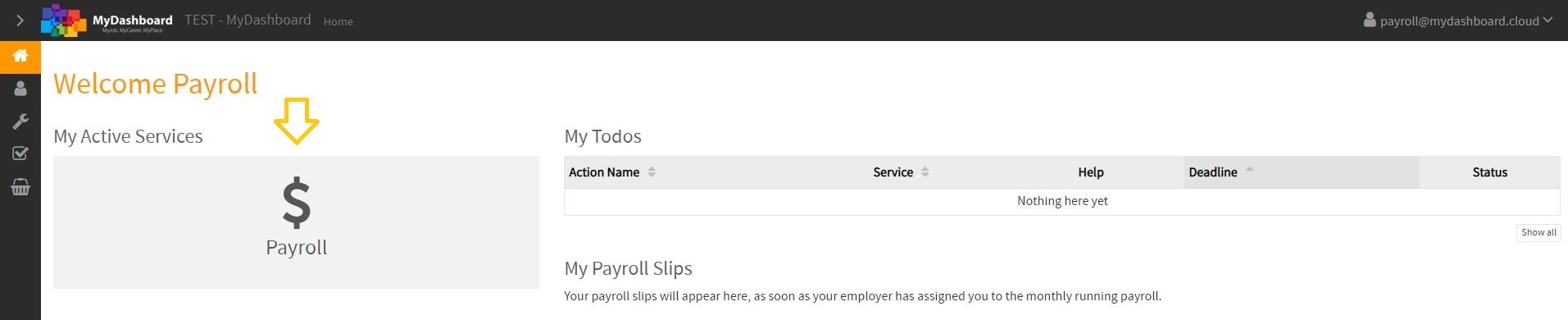
On the mainpage, please click on your active services “Payroll”
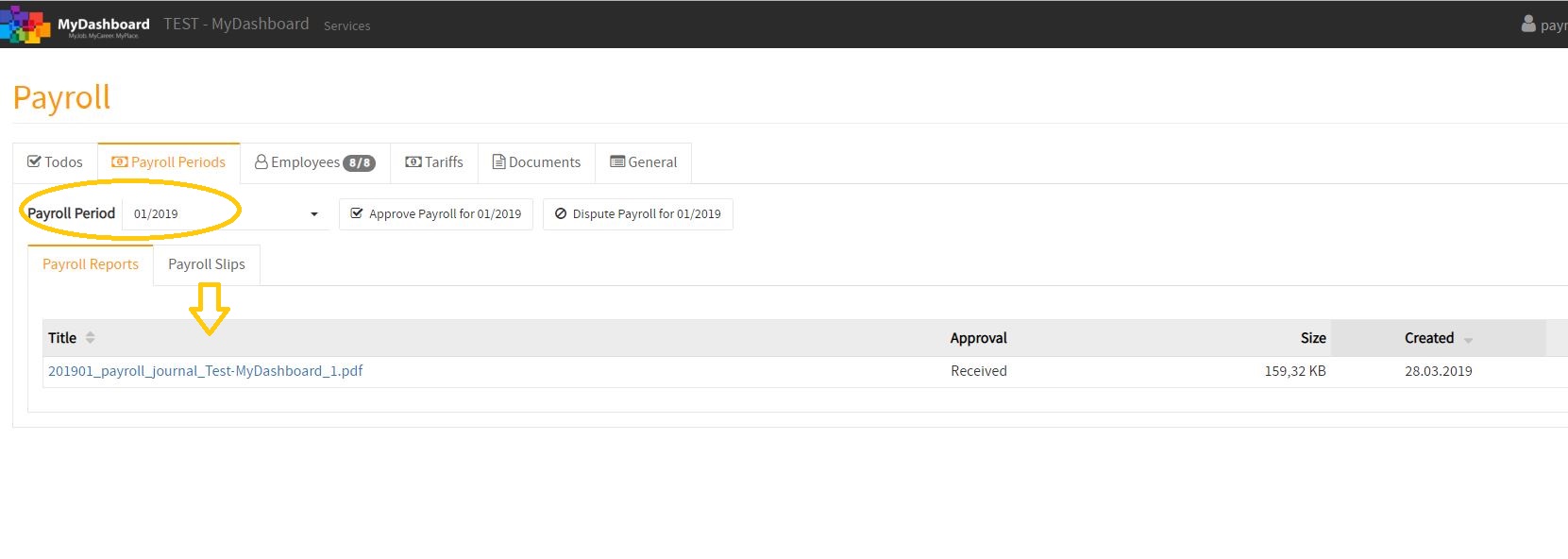
Select the payroll peroid and click in the sector “Payroll Reports” on your payroll journal
MONTHLY PAYROLL JOURNAL
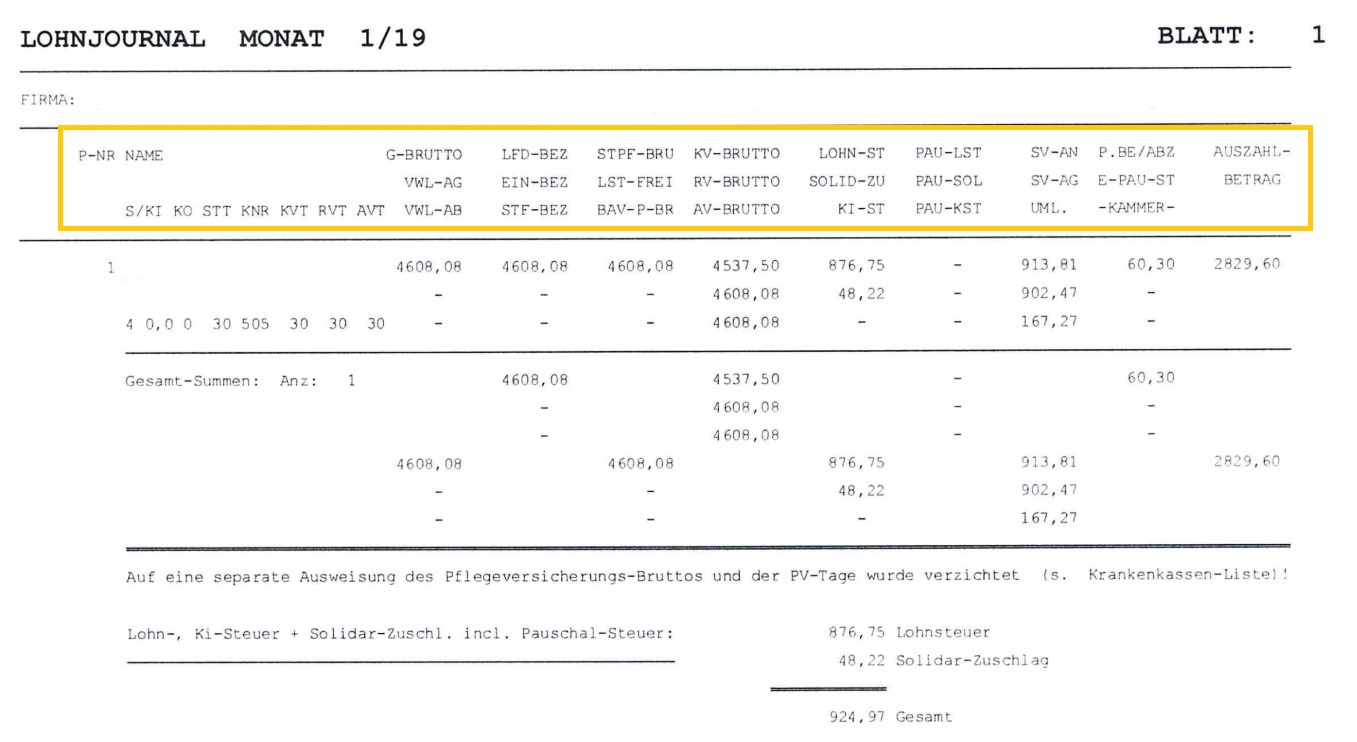

1. S -> tax class
2. KI -> child tax allowance
3. KO -> religion (catholic, protestant…)
4. G-BRUTTO -> gross salary
5. VWL-AG / VWL-AB -> capital forming payments
6. LFD-BEZ -> ongoing compensation (e.g. salary)
7. EIN-BEZ -> one time compensation (e.g. bonus)
8. STF-BEZ -> tax- free compensation (e.g. job ticket)
9. STPF-BRU -> taxable gross compensation
10. LST-FREI -> withholding tax free amount
11. BAV-P-BR -> private pension
12. KV-BRUTTO -> health insurance contribution assessment limit (max. 4.537,50 €)
13. RV-BRUTTO -> pension insurance contribution assessment limit (max. 6.700 €)
14. AV-BRUTTO -> unemployment insurance contribution assessment limit (max. 6.700 €)
15. LOHN-ST -> withholding tax
16. SOLID-ZU -> solidarity tax
17. KI-ST -> church tax
18. PAU-LST -> lump-sum withholding tax
PAU-SOL -> lump-sum solidarity tax
PAU-KST -> lump-sum church tax
19. SV-AN -> social security employee part
20. SV-AG -> social security employer part
21. UML. -> further employer contribution (for sickness leave, maternity leave and insolvency)
22. P. BE/ABZ -> personal relation (travel expense reimbursement), personal deduction (advance
payment)
23. E-PAU-ST -> only relevant for a “minijobber”
24.-KAMMER- -> chamber contributions (only in regions Saarland & Bremen)
25. AUSZAHLBETRAG -> net payment