
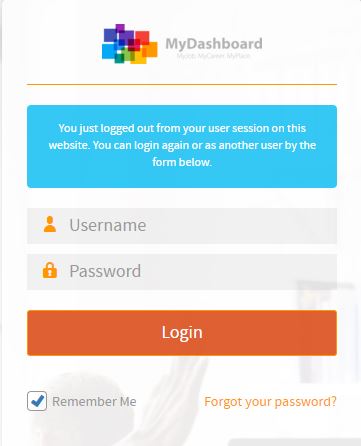
Please login on the homepage https://mydashboard.consultinghouse.eu
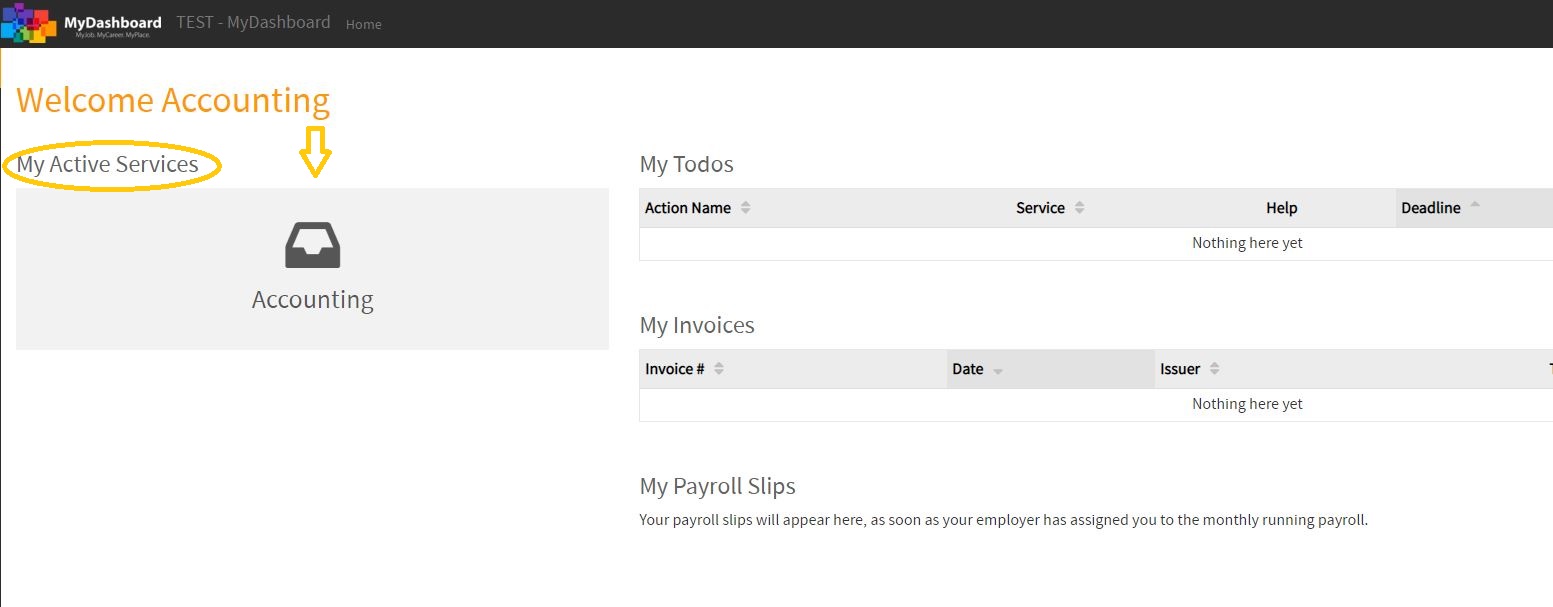
Click on the main page on your active services “Accounting”
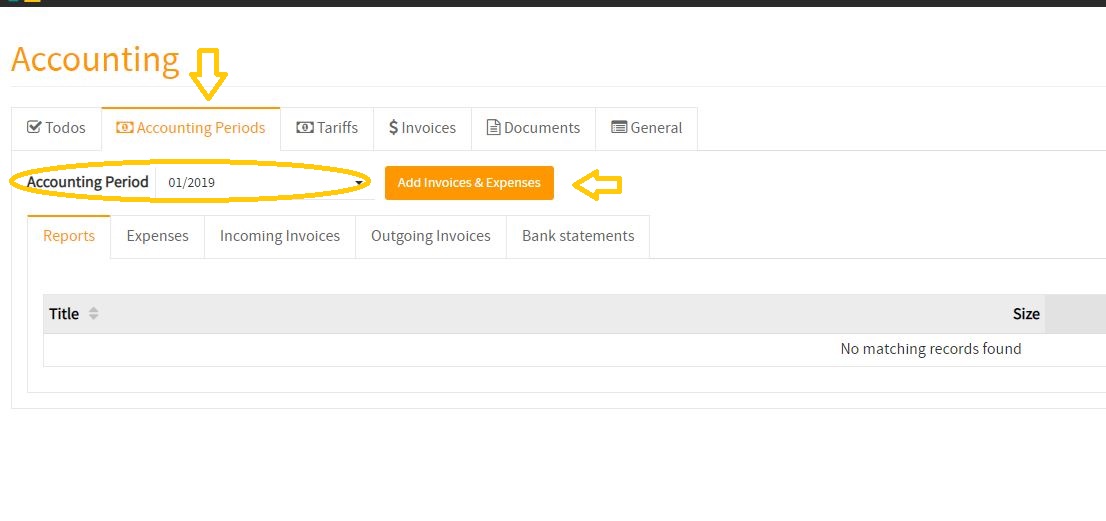
Select the correct accounting period where you want to upload your expenses
Click on the button “Add Invoices & Expenses”
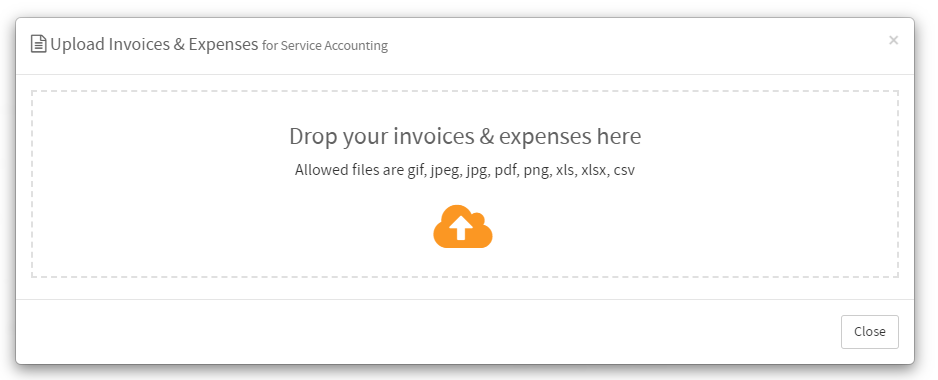
Drop your invoices and expenses (one or more files) on the field
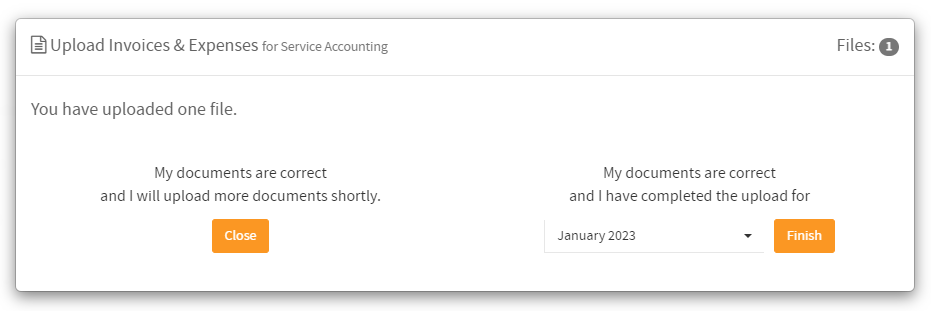
You have two options now.
- You can close the window and submit further documents later.
- or if you have uploaded every invoice & expense for the period, you can close it. Please mind that by closing the period with the “Finish” button, you are no longer able to upload any document for the time period.
Now you have uploaded a document in MyDashboard. 🙂