How to upload a monthly Amazon VAT Transactions Report to Consultinghouse

Consultinghouse makes it easy for Amazon sellers to process their monthly Amazon VAT Transactions Report

Open your accounting service
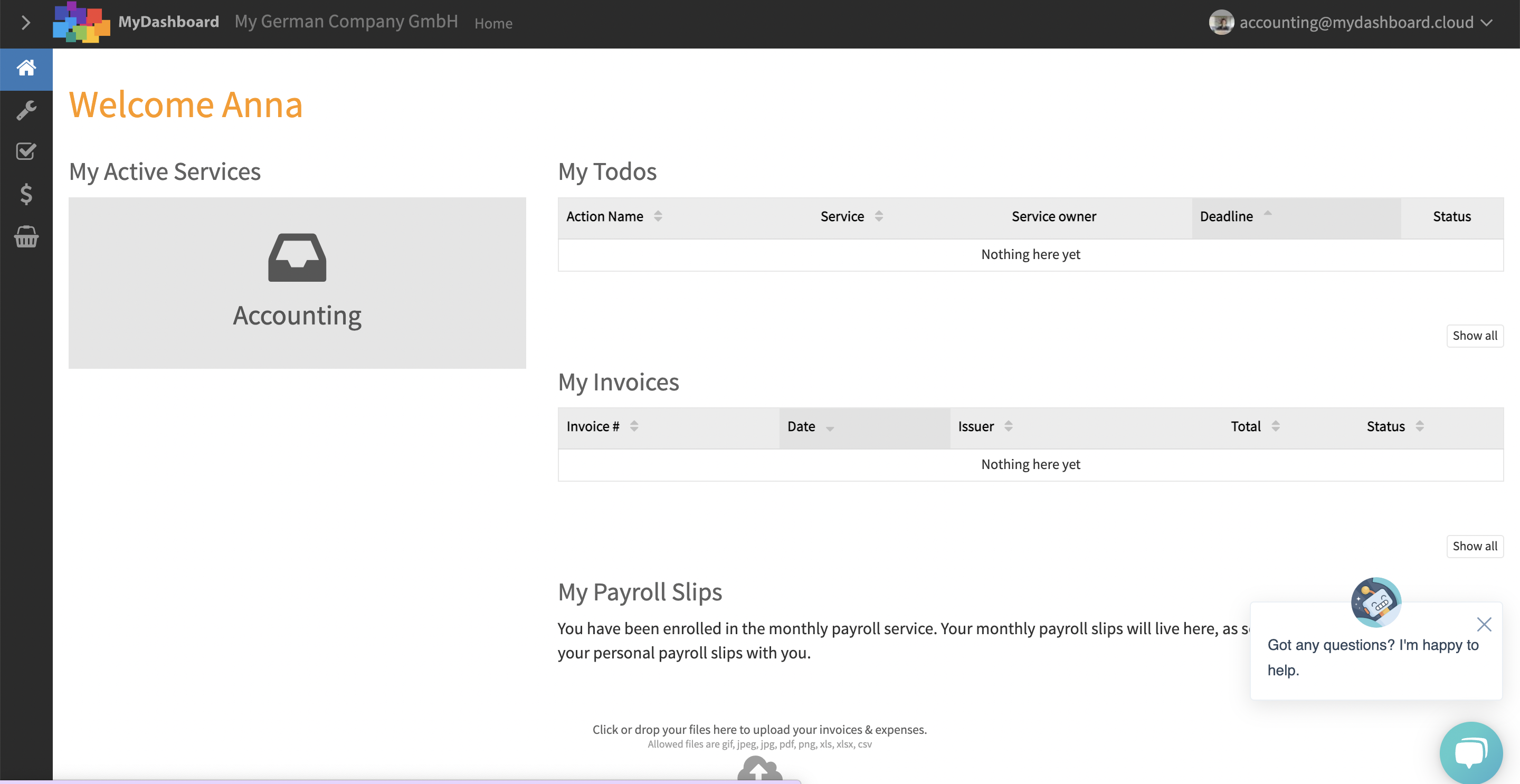
MyDashboard welcome page with accounting and payroll services

Select the right month

Selecting the reporting month for accounting documents

Click on the button “Add Invoices & Expenses”

Accounting document categories and actions in MyDashboard

Import your Amazon VAT Transaction report in CSV format
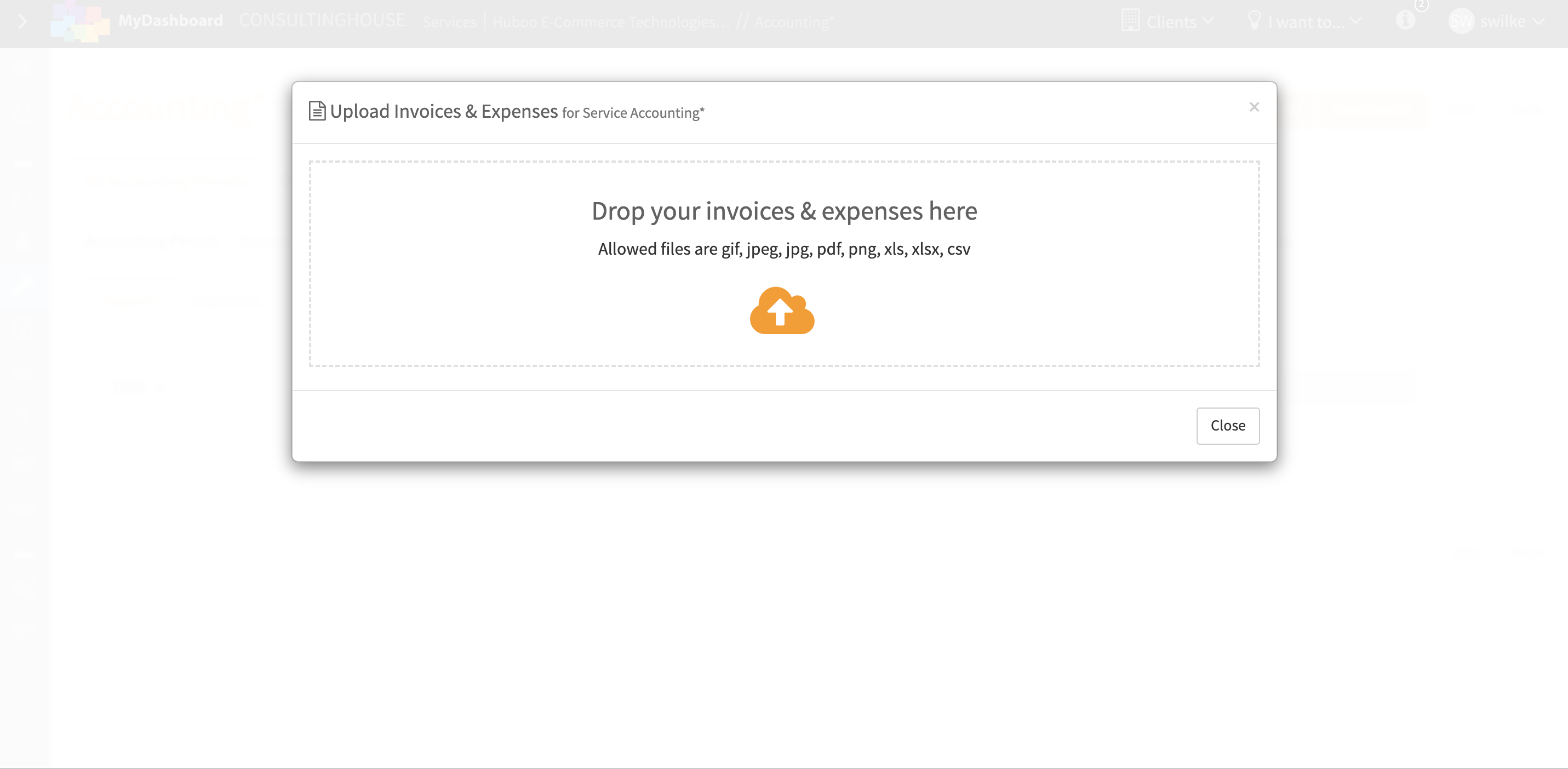
Upload dialog for accounting documents in MyDashboard

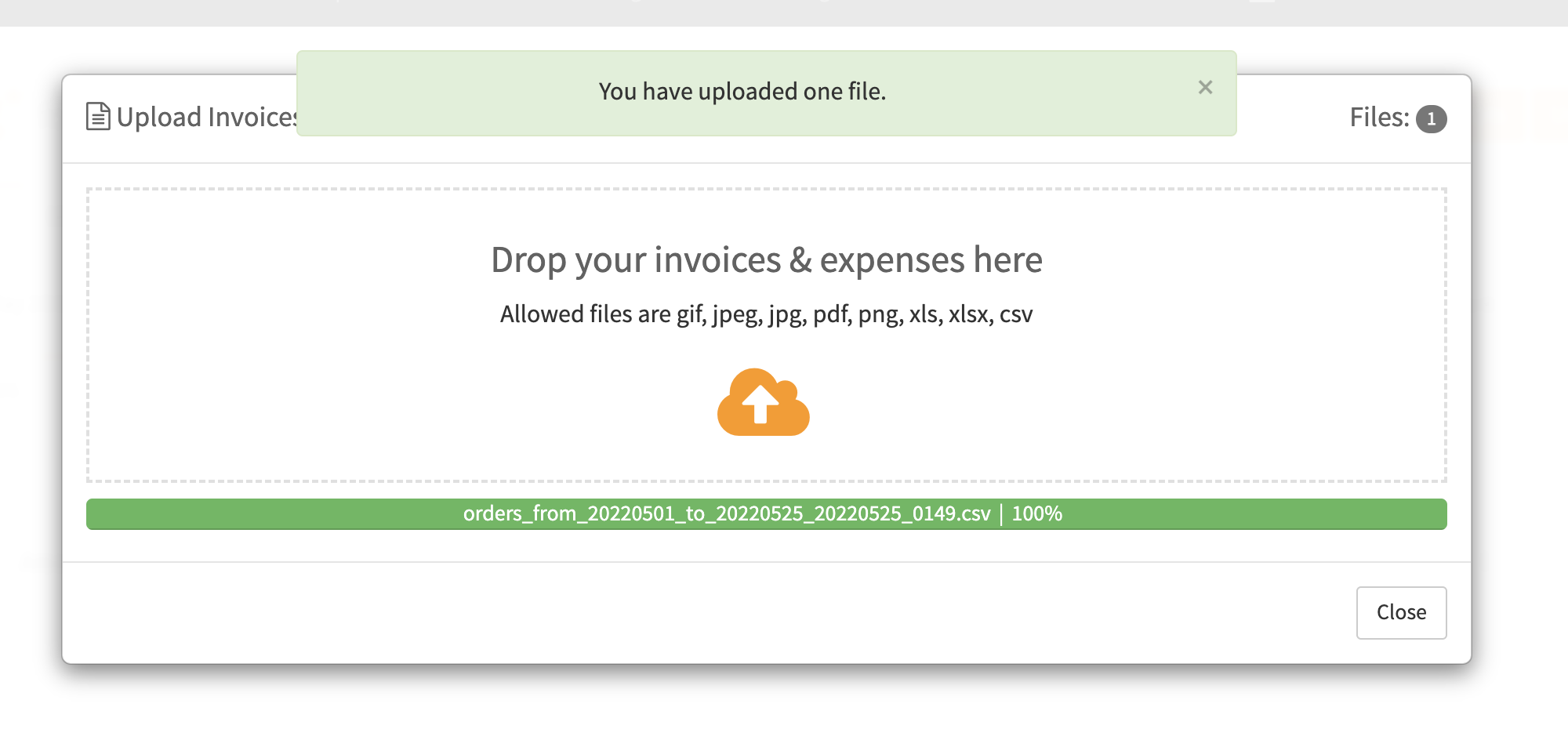
Successful upload confirmation for invoices and expenses

Open the tab “Data xChange” to view the uploaded Amazon VAT Transactions Report
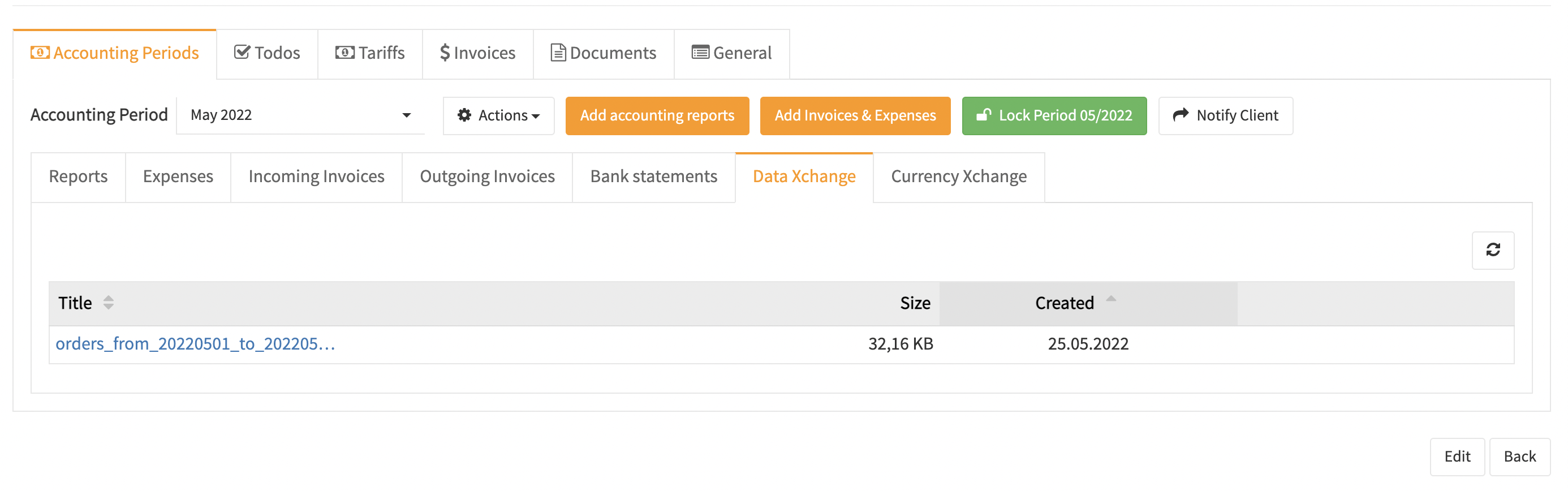
Uploaded accounting documents listed in MyDashboard

Open the Amazon VAT Transactions Report by clicking on the wedge icon

Amazon VAT Transactions Report in MyDashboard