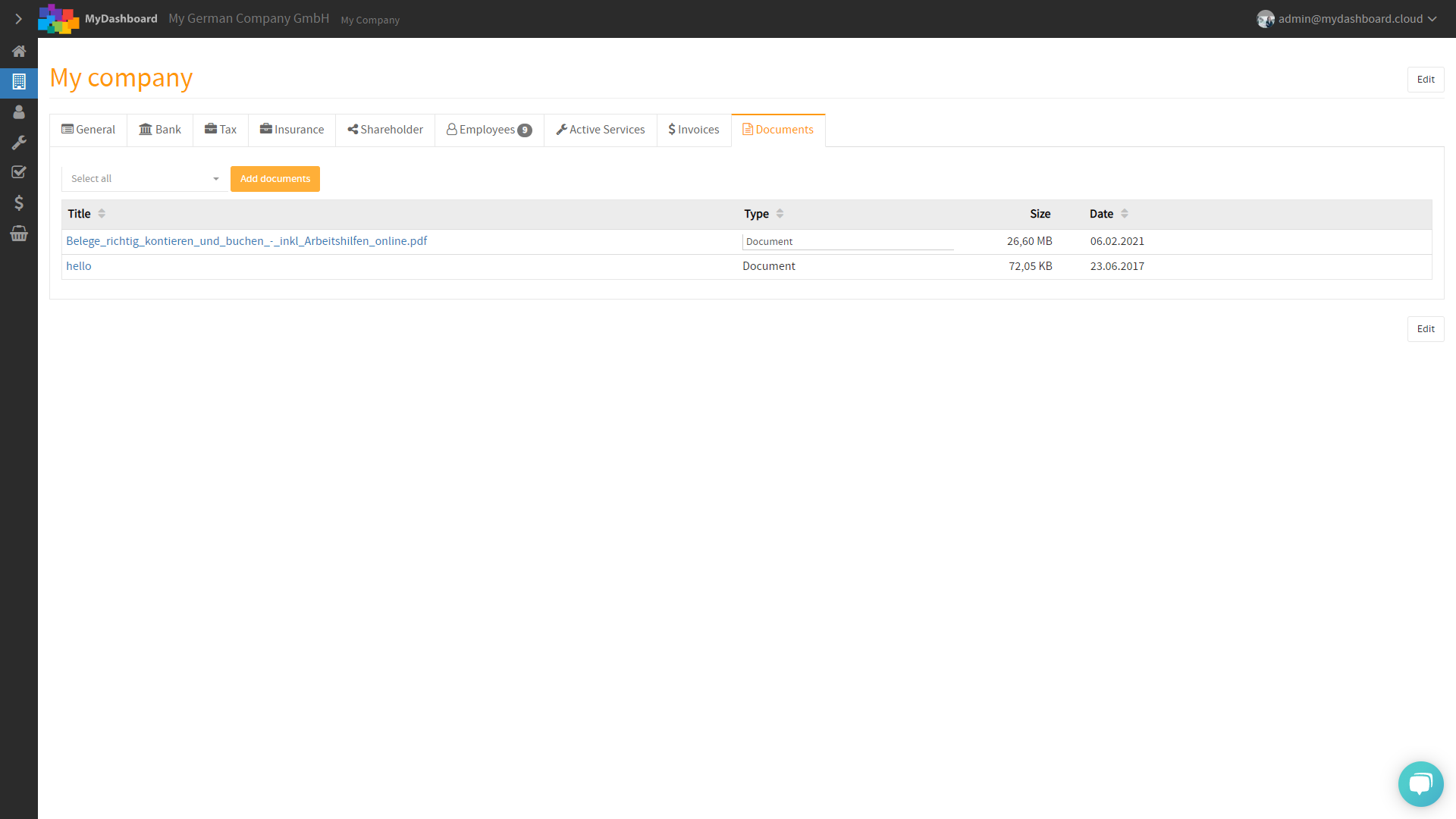
Please login to MyDashboard using your personal login information.
Please note that you do not have to be an admin to upload new documents to MyDashboard.

Once logged in, you will see your homepage, including all services you have subscribed to
- Accounting
- Payroll
- Year-End
- Virtual office
- etc
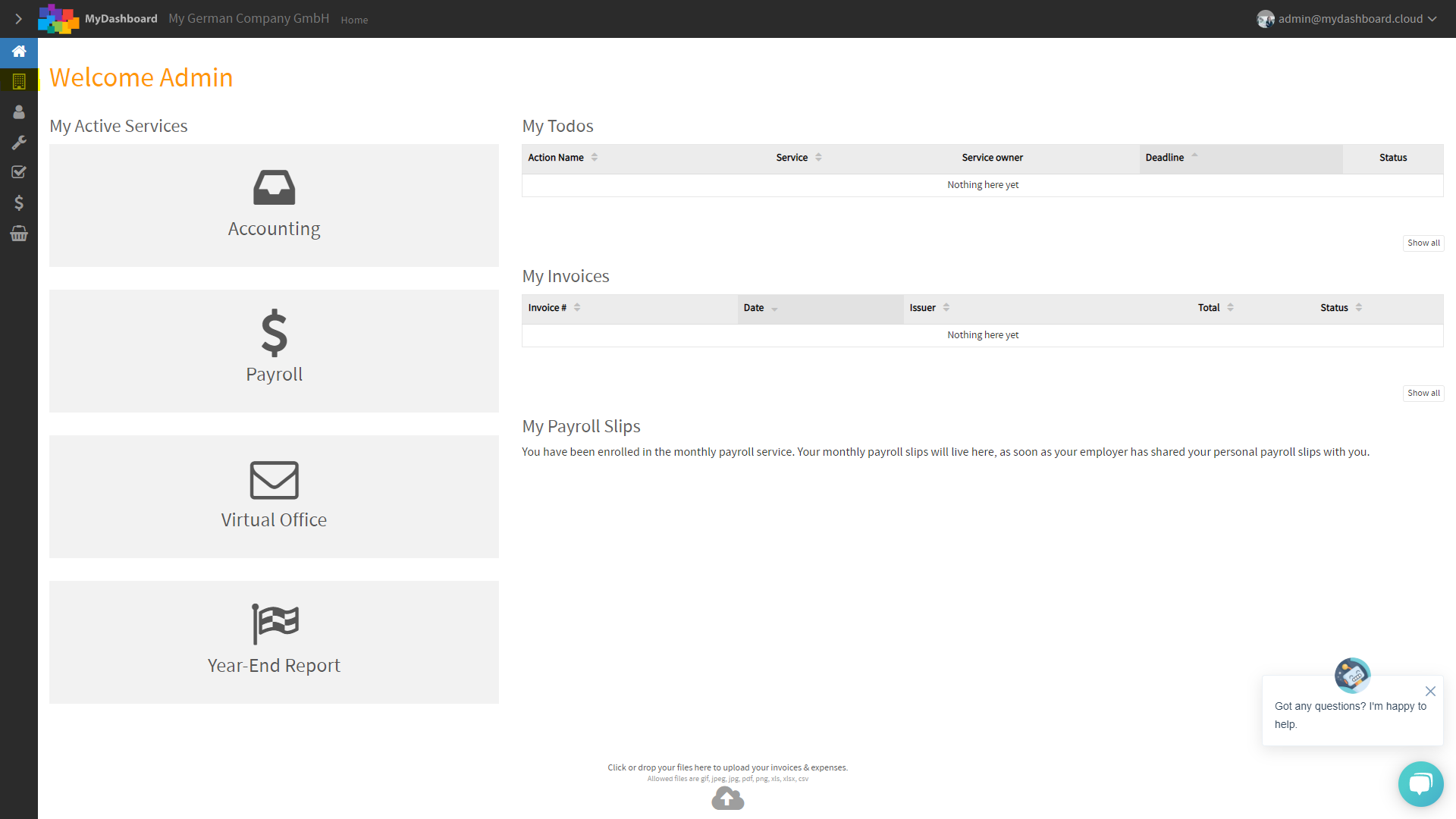
From your homepage, you can easily open your company profile by clicking on the MyCompany icon in the menu on the left side of MyDashboard.
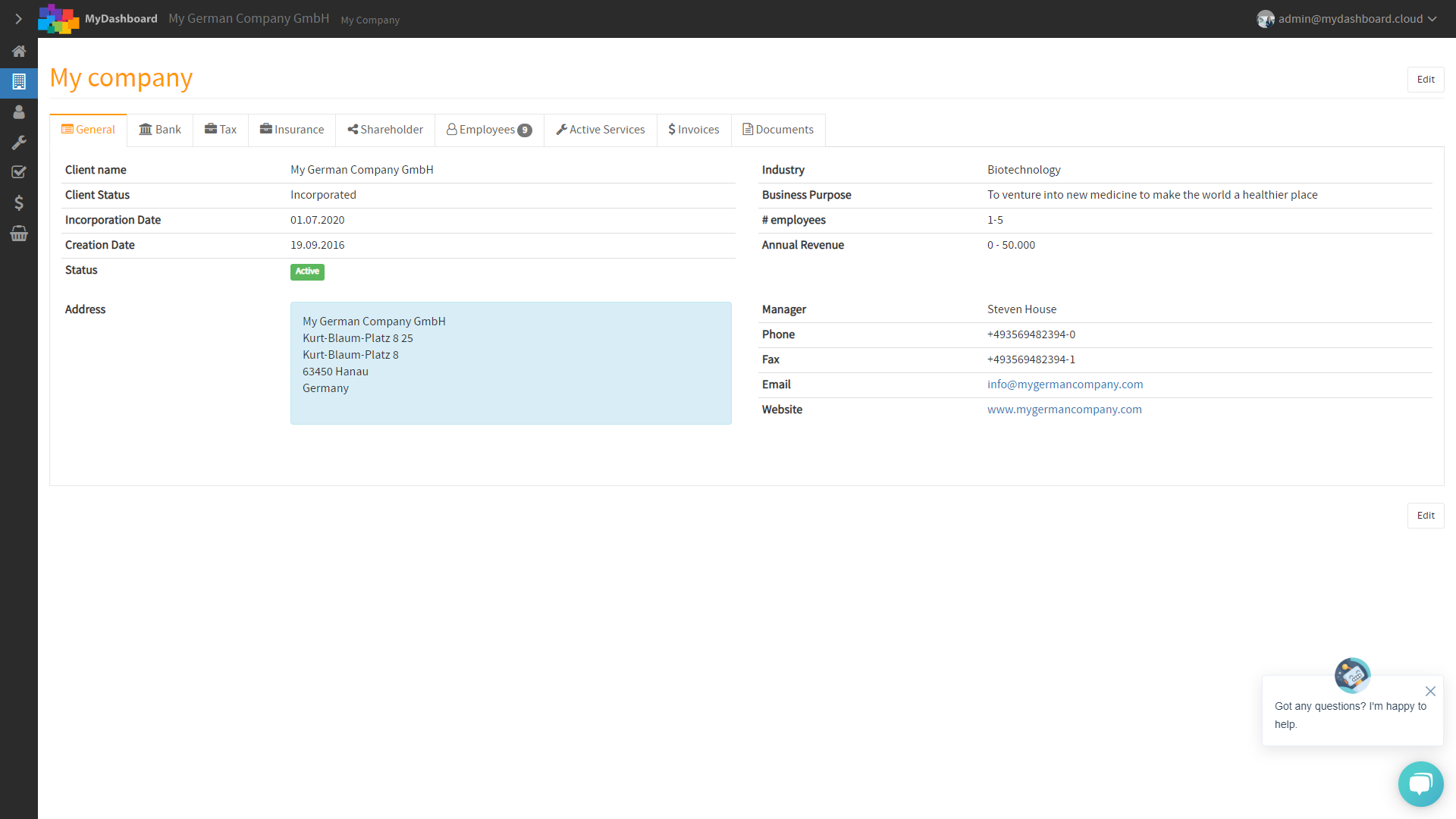
Within your company profile open the Documents tab
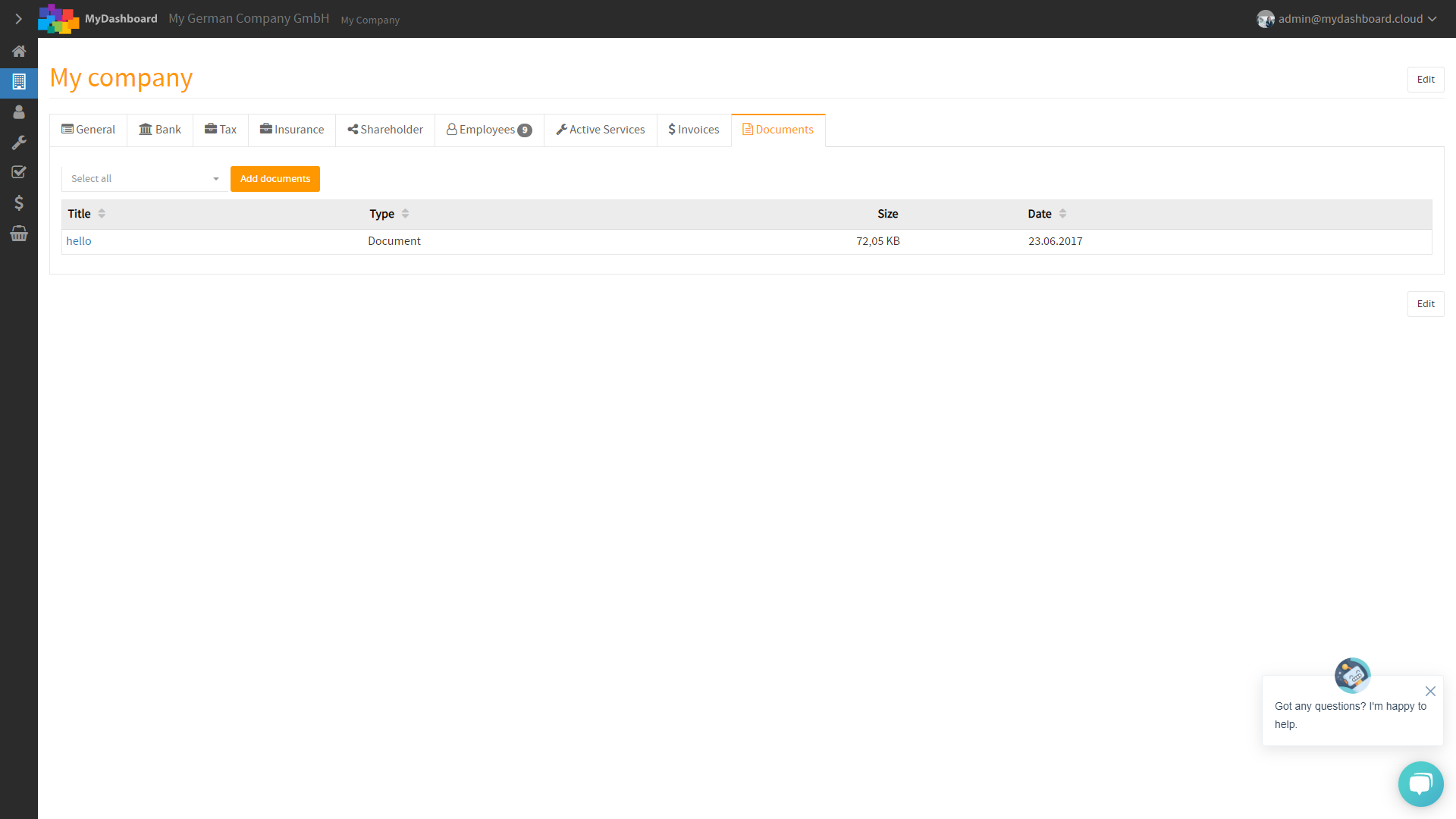
Here, within the Documents tab, you immediately find the button Add documents.
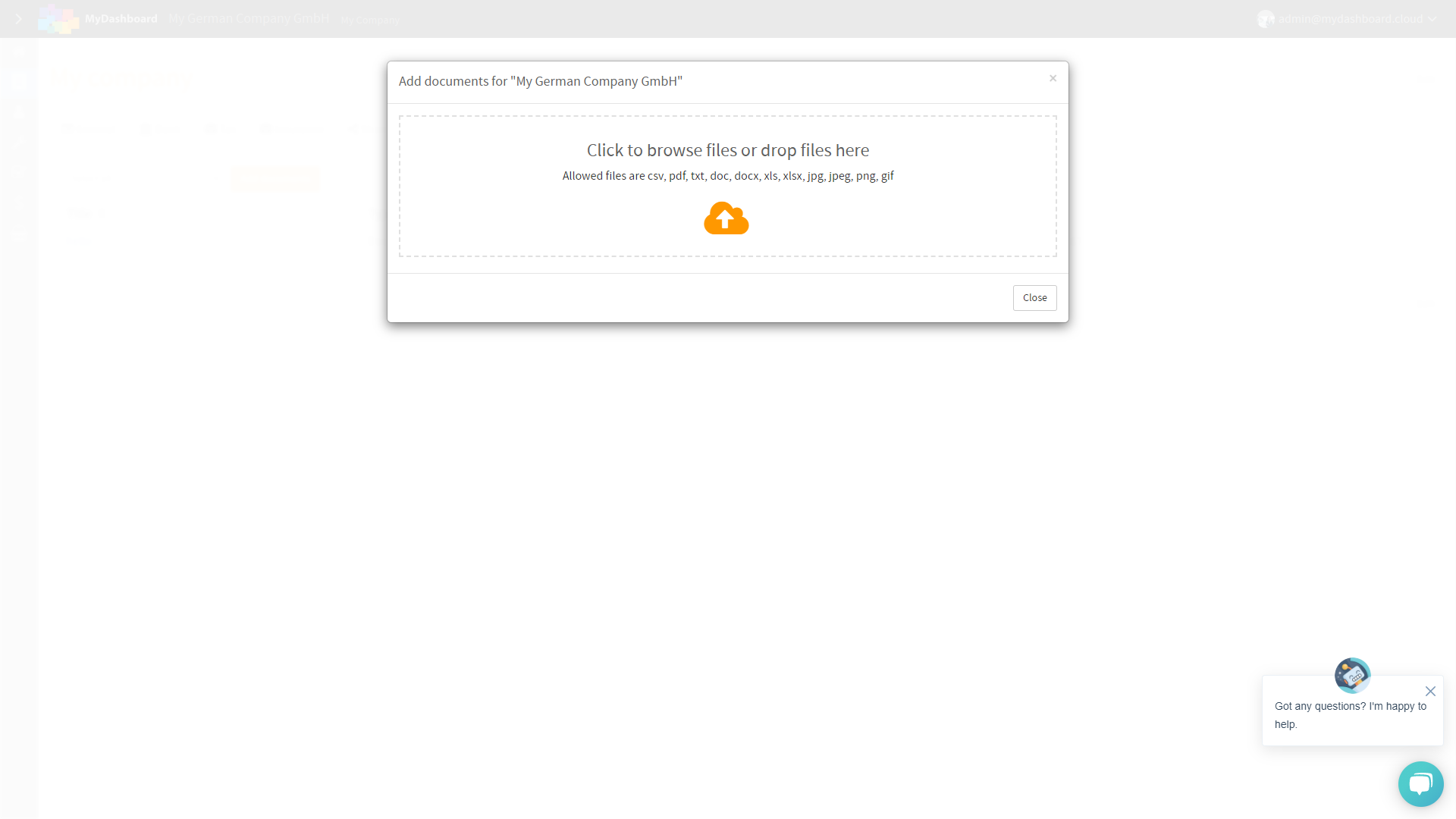
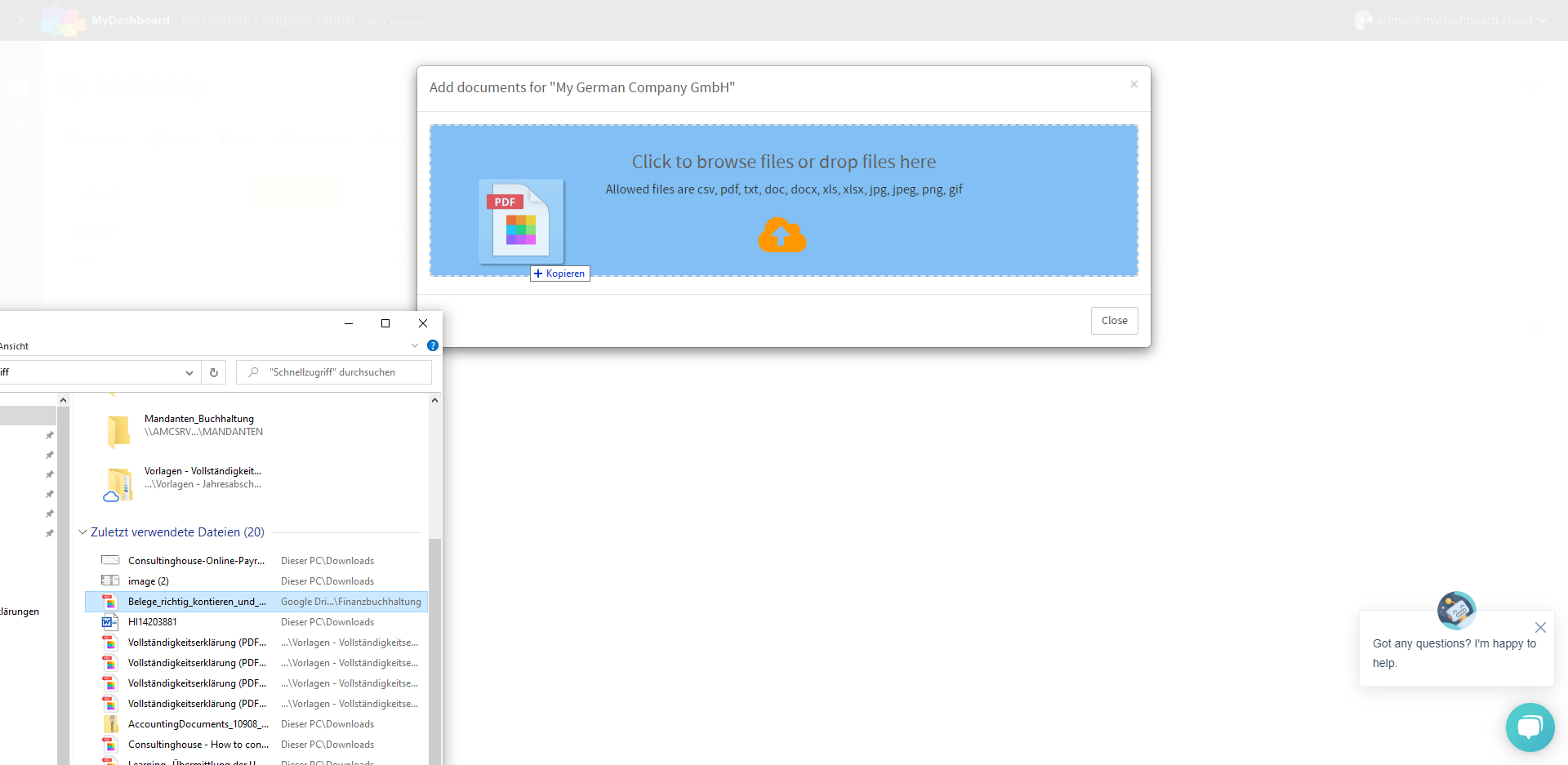
Once clicked you can seamlessly drag’n drop all your documents into the upload area. Alternatively, click on the cloud icon to browse for files on your computer.
Please note, that you can upload multiple files at the same time.
MyDashboard will let you know as soon all documents have been successfully uploaded
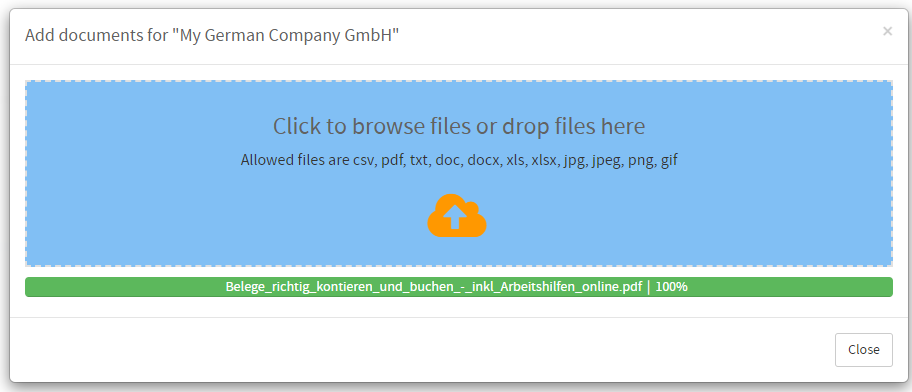
Once uploaded you will find all your documents in MyDashboard. That’s it. You made it!